Introduction
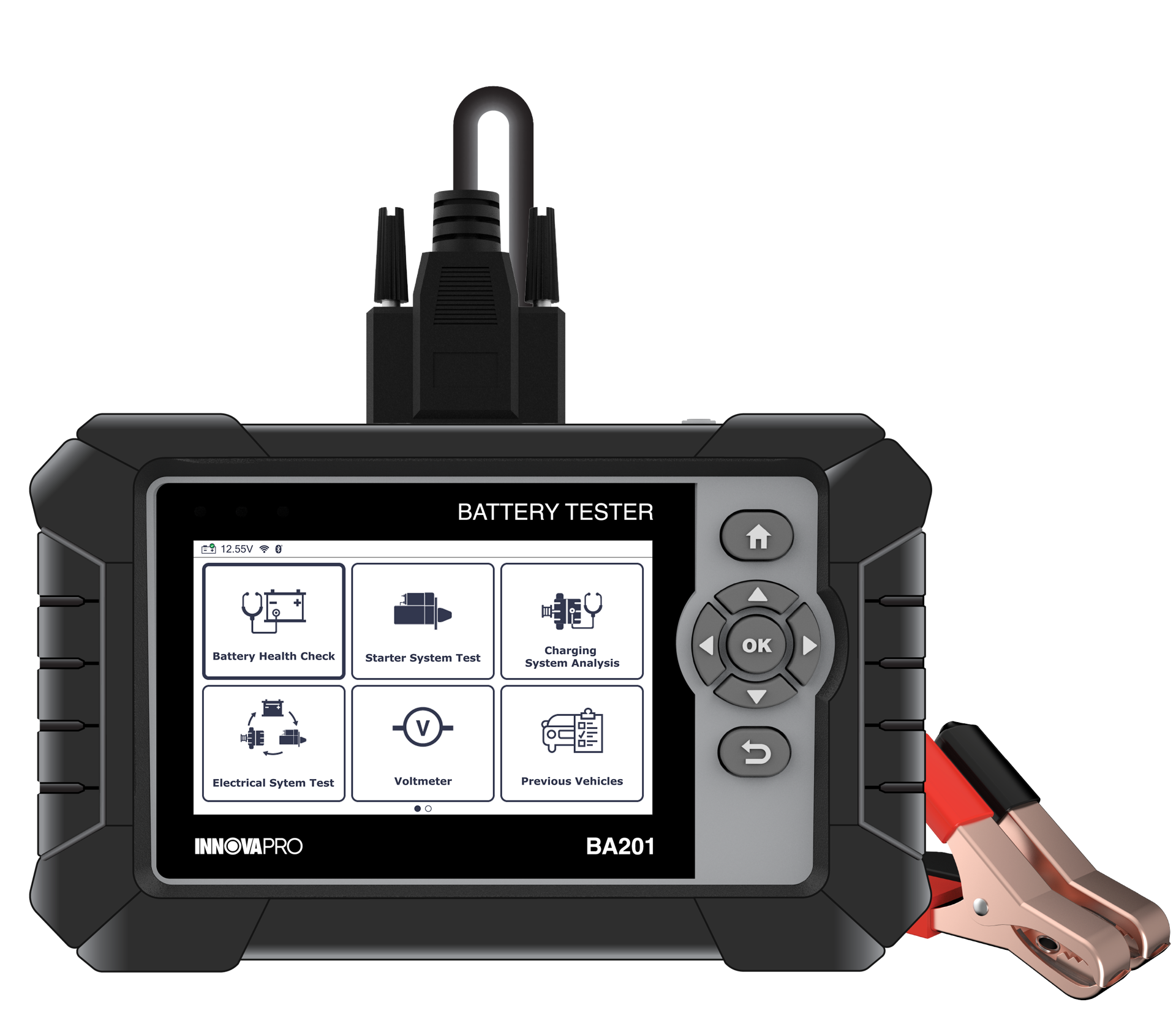
To ensure technicians can easily manage and review diagnostic data, the INNOVAPRO BA201 Battery Tester provides a seamless way to submit test reports to the RepairSolutionsPRO® (RSPRO®) application. By transferring data from the tool to a mobile device, users can maintain a digital history of vehicle health, share professional reports with customers, and access advanced repair solutions. This article guides you through the process of submitting reports using two primary methods: Wi-Fi and Bluetooth (BLE).
Procedure
NOTE: The Battery Tester must be connected to a Wi-Fi network (for first-time users) or via BLE (for registered users) and paired with the RSPRO® app while submitting reports.
Method 1: Submitting via Wi-Fi network
This method allows you to send reports directly to the RSPRO® app when the Battery Tester is connected to a stable Wi-Fi network.
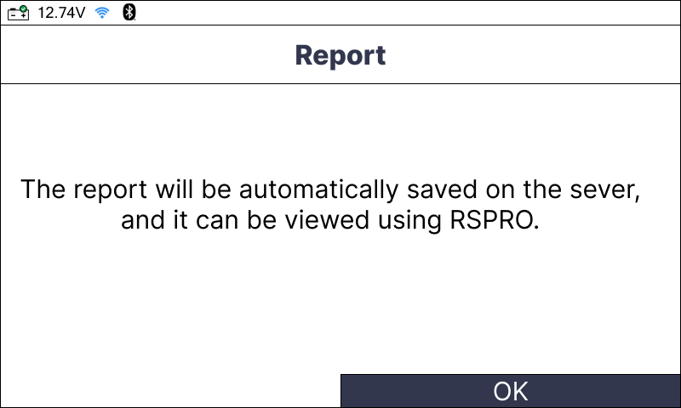
Step 1: After completing a test (e.g., Battery Health Check or Electrical System Test), the report screen will display. Select the Report button and press the OK button.
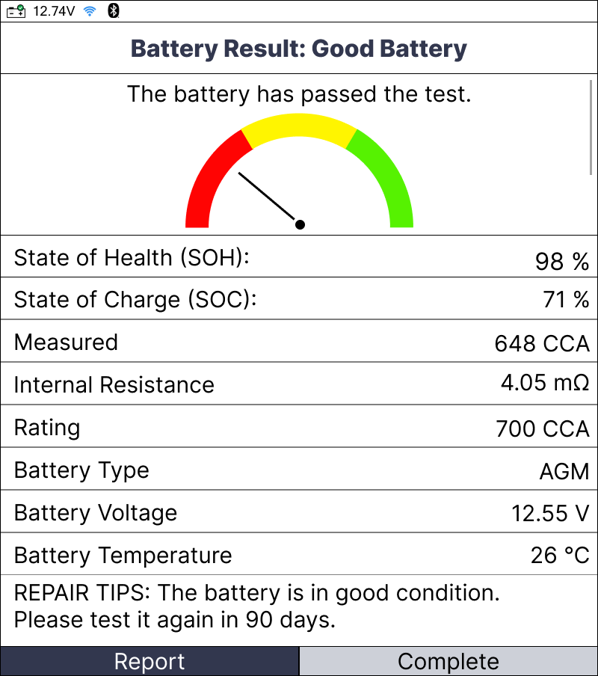
Step 2: Ensure your tool is connected to Wi-Fi. The tool will communicate with the RSPRO® app to upload the data.
Step 3: A "Submit Report" notification will appear. Select Report to confirm the data transfer.
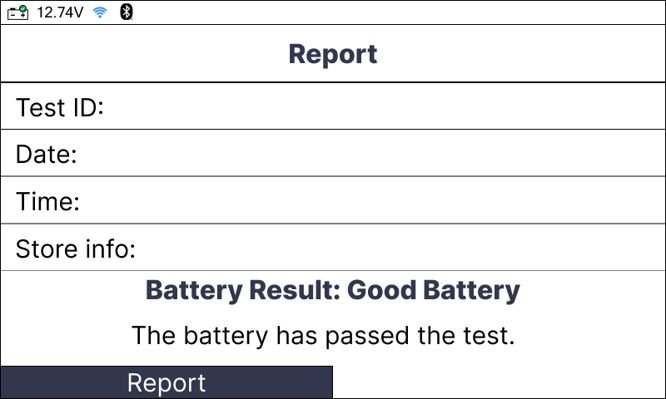
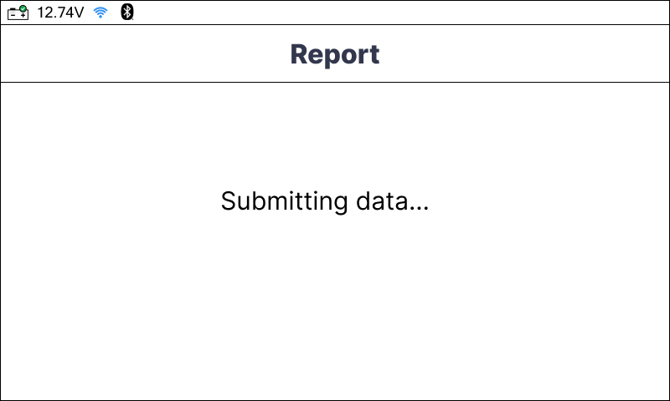
Step 4: Once the process is complete, a success message will display, and the report will be available on your paired RSPRO® account.
Method 2: Submitting via BLE
This method is used when the Battery Tester is paired directly with your mobile device through the RSPRO® app.
Step 1: Ensure Bluetooth is enabled on your mobile device and the RSPRO® app is open and paired with the tool.
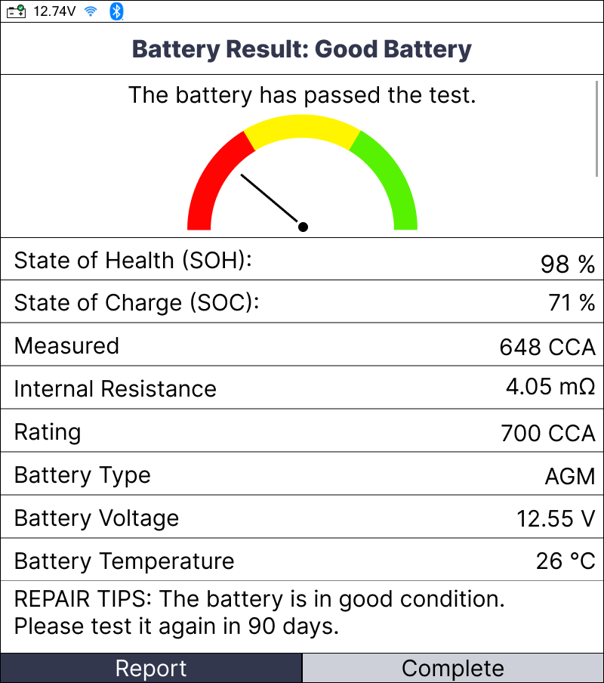
Step 2: From the report screen on the tablet, select the Report option.
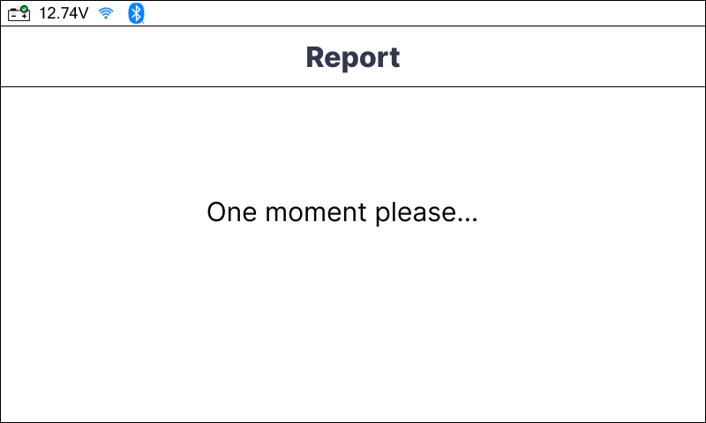
Step 3: The data is transferred locally via BLE to the application.
Step 4: Open the RSPRO® app on your phone to view the synchronized report.
Conclusion
In summary, submitting test reports to the RSPRO® app is a vital step in modernizing the diagnostic workflow. Whether using Wi-Fi for direct upload or BLE for local syncing, this feature eliminates manual record-keeping and provides professionals with the evidence-based data needed to communicate effectively with customers and execute reliable repairs.
Disclaimer
This content is subject to change without notice. The information has been carefully reviewed and is believed to be accurate based on our research and findings. It is intended as a guide, not a definitive procedure. We accept no responsibility for inaccuracies. Vehicle-specific test settings may be required.
Copyright 2026 IEC. All rights reserved

