Introduction
To ensure users can comprehensively evaluate a vehicle's overall electrical condition, the Electrical System Test tests the complete electrical system by combining three specific assessments. It integrates the Battery Health Check to evaluate the battery's condition, the Starter System Test to measure cranking performance, and the Charging System Analysis to measure the alternator's output and ripple voltage under various load and RPM conditions. By consolidating these tests into a single process, this function provides a useful, time-saving, and direct assessment of the entire electrical system.
Procedure
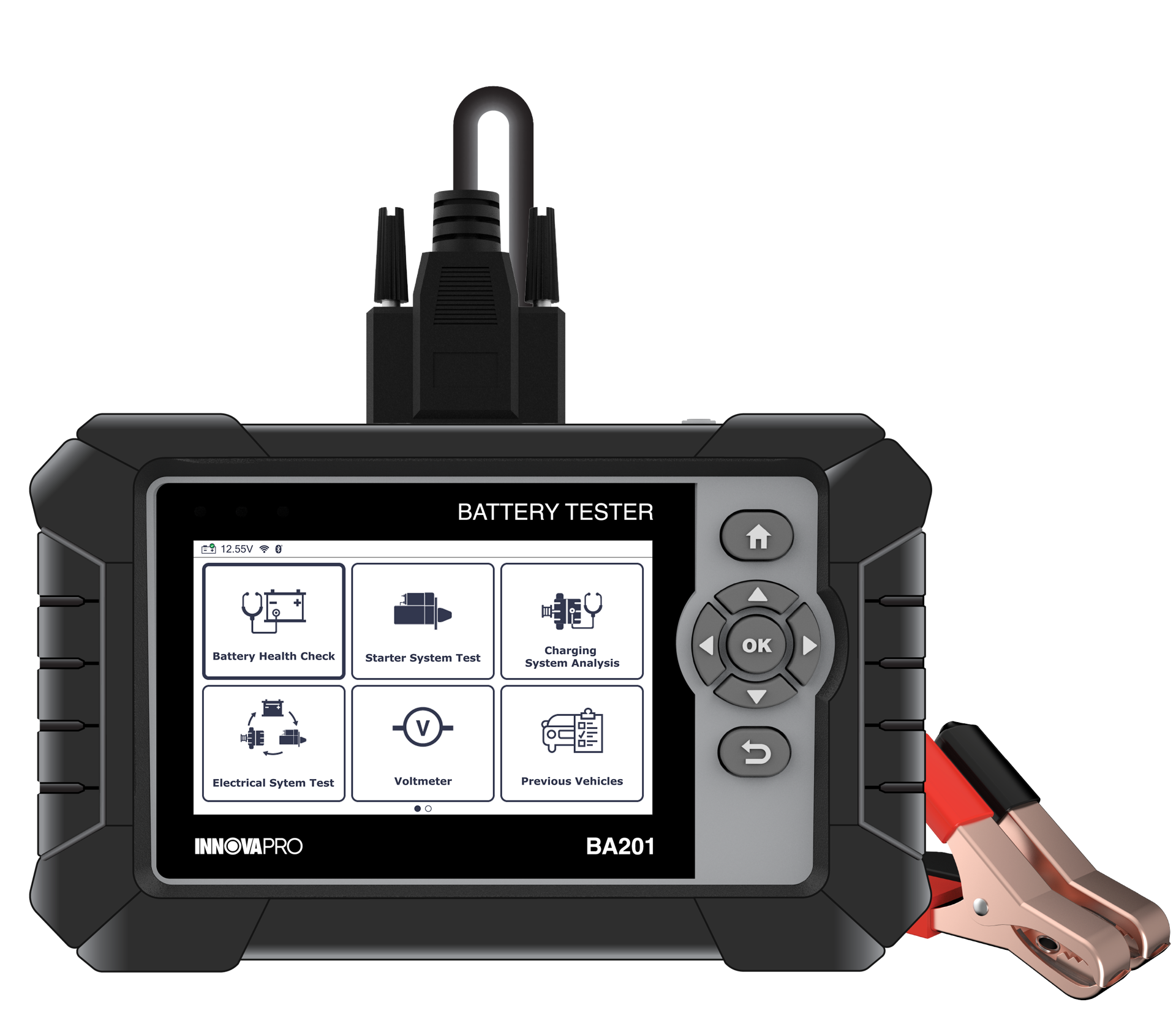
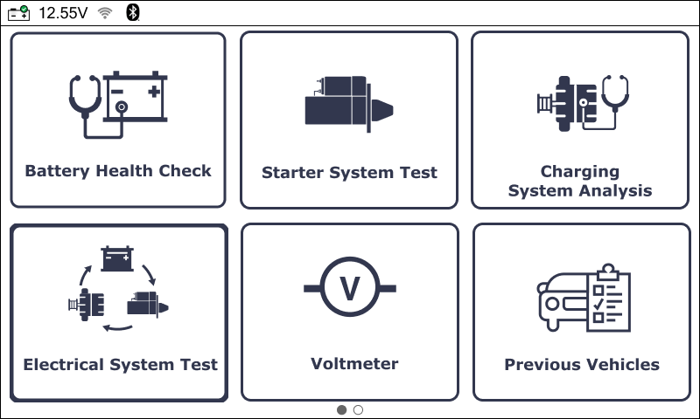
Step 1: From the Home Screen, select the Electrical System Test function then press the OK button.
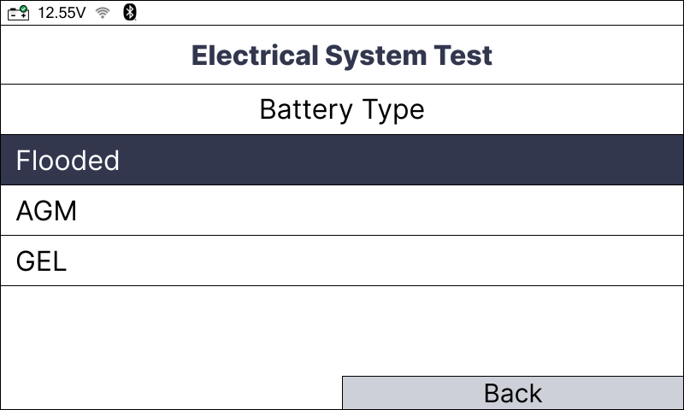
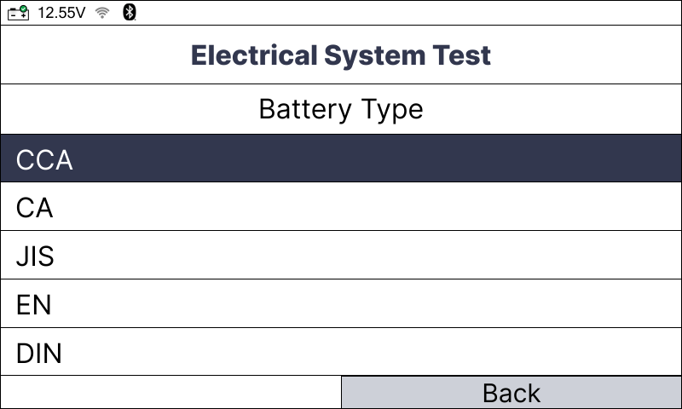
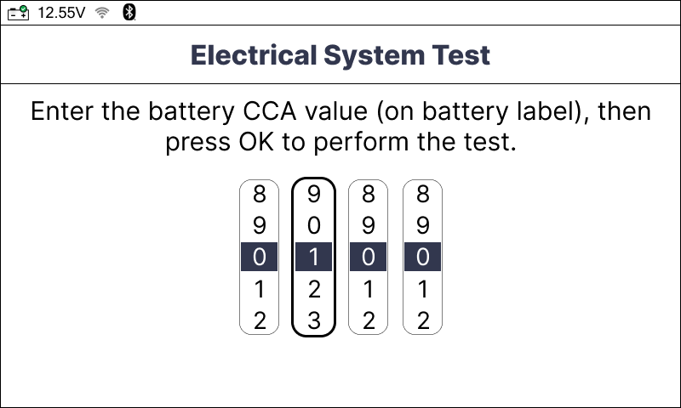
Step 2: Follow the instructional screens to input the battery information including the Type, Standard, and Value of the vehicle’s battery. Then, press the OK button.
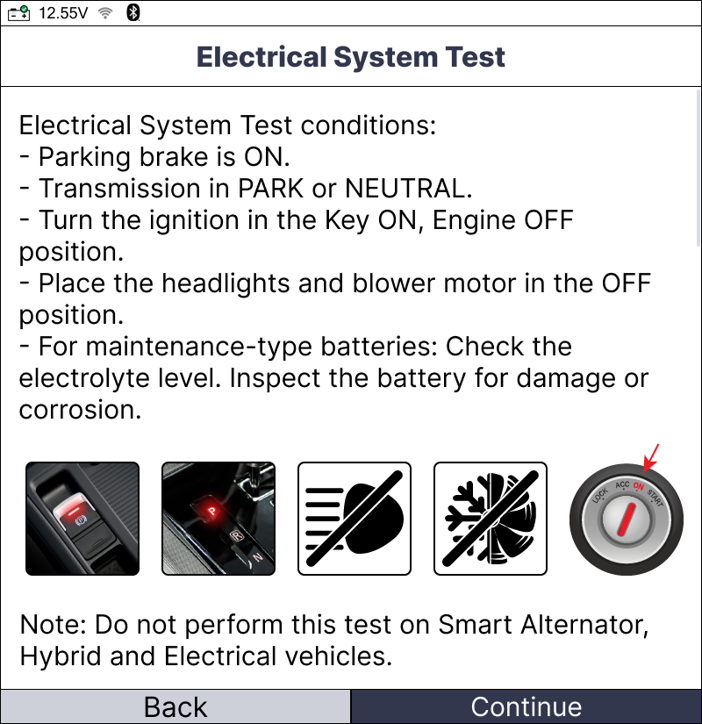
Step 3: The screen displays the test conditions required; follow the conditions and press the Continue button to start the test.
NOTE: Make sure the connection between the test clamps and the battery terminals is good so that test results are correct.
NOTE: If the battery voltage is less than 11.8 V, the message “Charge the battery and retest” displays, indicating that the battery must be charged before performing the test.
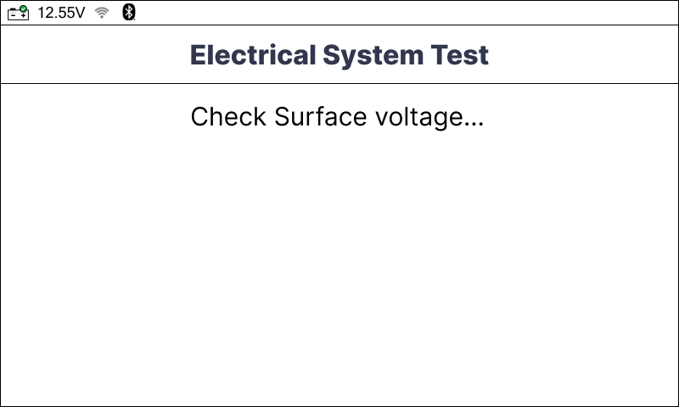
Step 4: The Battery Tester Module checks the presence of surface voltage.
- If there is no surface voltage, proceed to the next step.
- If there is surface voltage, an instructional screen display. Follow the instructions to clear surface voltage.
Step 5: The Battery Health Check function performs first.
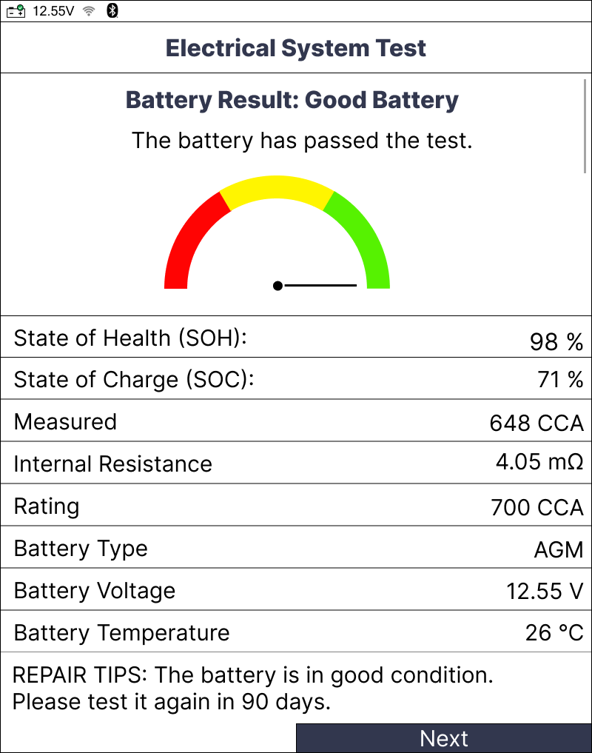
If the result of the Battery Health Check was “Replace Battery” or “Charge – Retest”, the Electrical System Test concludes and displays only the Battery Health Check result.
If result is “Good Battery” or “Good - Recharge,” the battery test allows you to perform the next test.
Step 6: Let the engine idle within 30 seconds before performing the next test.
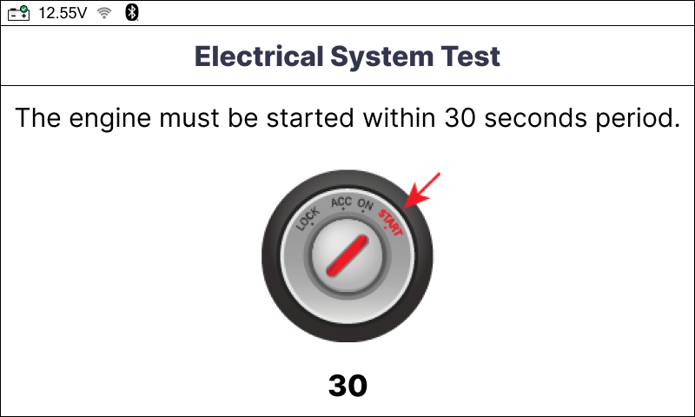
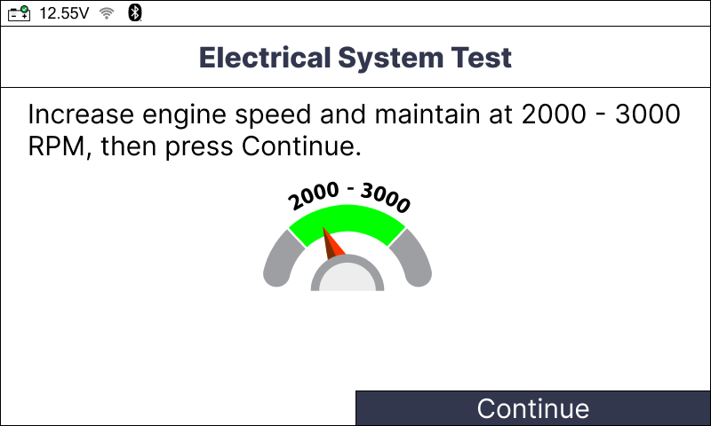
Step 7: The Starter System Test and the Charging System Analysis perform sequentially. There are one or more instructions display. Follow the instructions to perform the test.
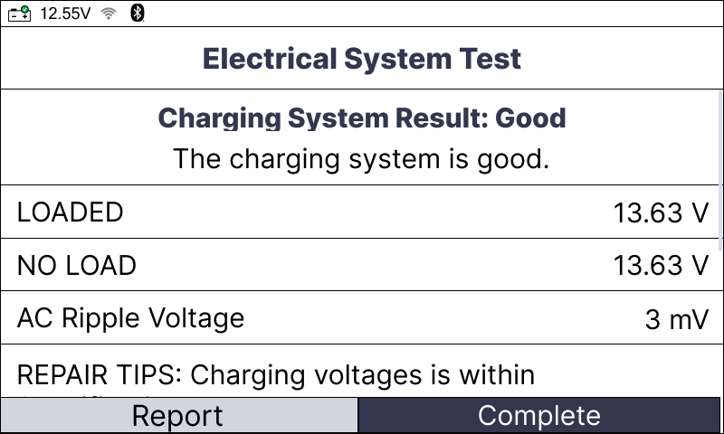
Step 8: When all tests are finished, an Electrical System Test report is generated. This includes the Battery Health Check result, Starter System Test result, and Charging System Analysis result.
The first result screen shows the Battery Health Check report.
Select the Next and press the OK button to view the next report.
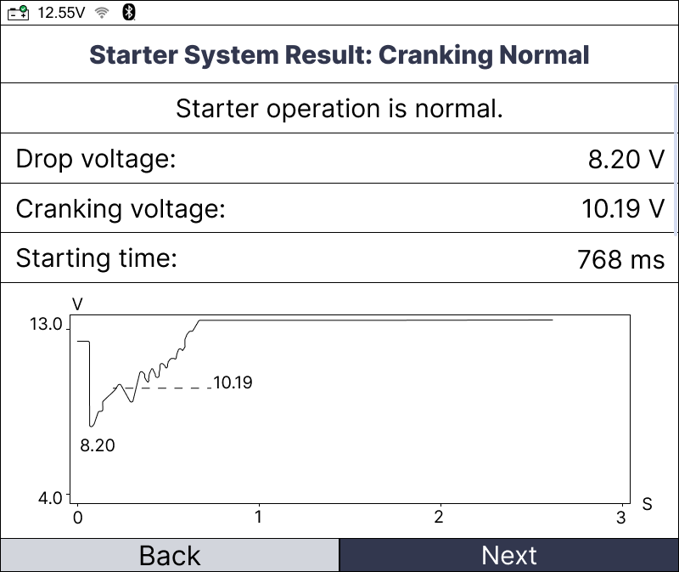
Step 9: Once you have finished viewing the results:
Select Complete and press the OK button to finish the test and return to the Home Screen.
Select Report and press the OK button to access the Previous Vehicles reports.
NOTE: The test results can be submitted and viewed on the RSPRO® app if the Battery Tester Module has been paired already.
Conclusion
In summary, the Electrical System Test eliminates diagnostic guesswork. By systematically combining the Battery Health Check, Starter System Test, and Charging System Analysis, it delivers the comprehensive, evidence-based data professionals need to definitively verify total electrical system health and execute reliable repairs.
Disclaimer
This content is subject to change without notice. The information has been carefully reviewed and is believed to be accurate based on our research and findings. It is intended as a guide, not a definitive procedure. We accept no responsibility for inaccuracies. Vehicle-specific test settings may be required.
Copyright 2026 IEC. All rights reserved

