Introduction
To ensure customers can use the INNOVAPRO BA200 Battery Tester Module and the INNOVAPRO BA201 Battery Tester as effectively as possible, keeping the software up to date is essential. Regular updates provide improved performance, expanded functionality, and compatibility with the latest vehicle systems. The Electrical Tester Updater is a PC-based application designed to support firmware and software updates for Battery Tester devices. This tool is provided as a Windows installer package in (.msi) format, allowing for a straightforward and standardized installation process.
Download and install the Electrical Tester Updater: [Download URL Here]
Tool Coverage:
Tools | Tool ID: |
|---|---|
INNOVAPRO BA200 Battery Tester Module | (0x1001) |
INNOVAPRO BA201 Battery Tester | (0x0431) |
Procedure
Step 1: Open the Electrical Tester Updater application.
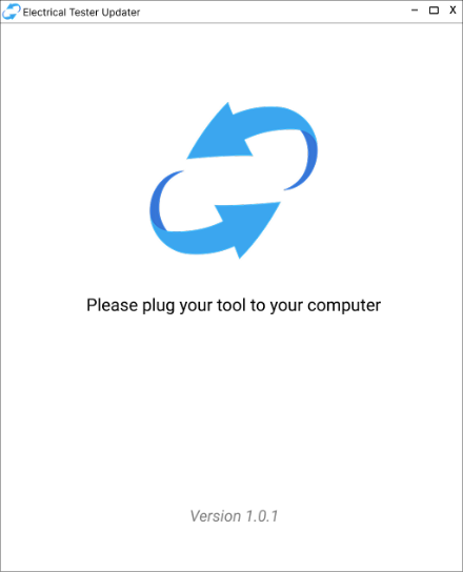
Step 2: Connect the Battery Tester (Module) to the computer through the USB connection.
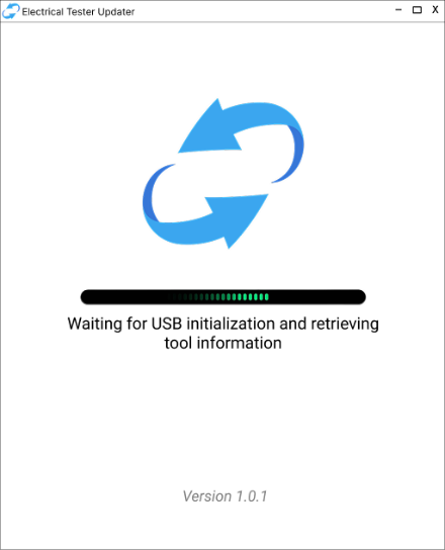
NOTE: Make sure your computer is connected to the internet for checking the latest FW version.
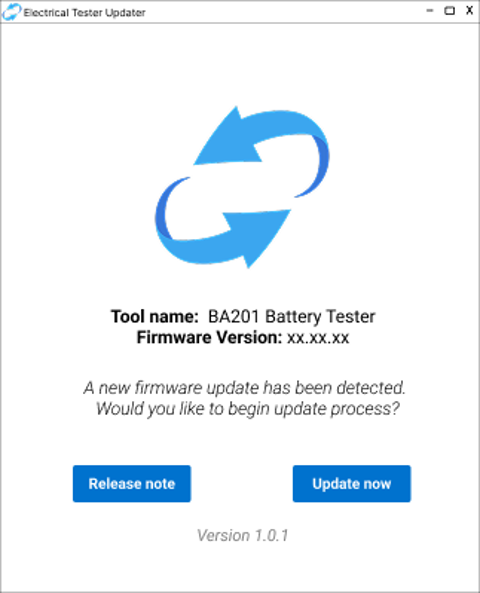
Step 3: After detecting the tool information, the Electrical Tester Updater gives the upgrading option if it is available. Choose the Update option to start the upgrade process.
Step 4: The Electrical Tester Updater starts downloading the new firmware version and updating your tool.
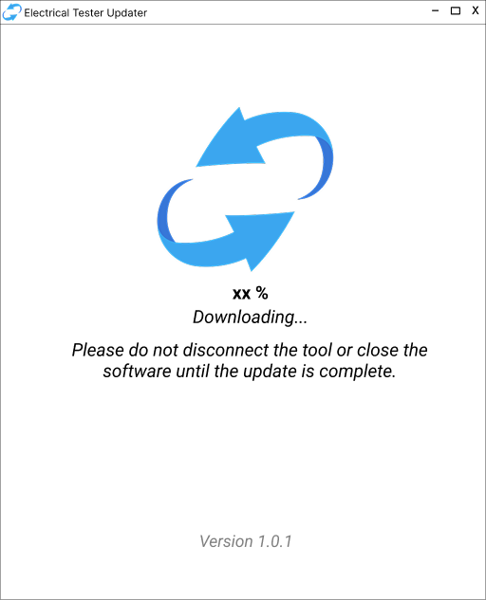
Step 5: A notification will show up when the upgrading process is completed.
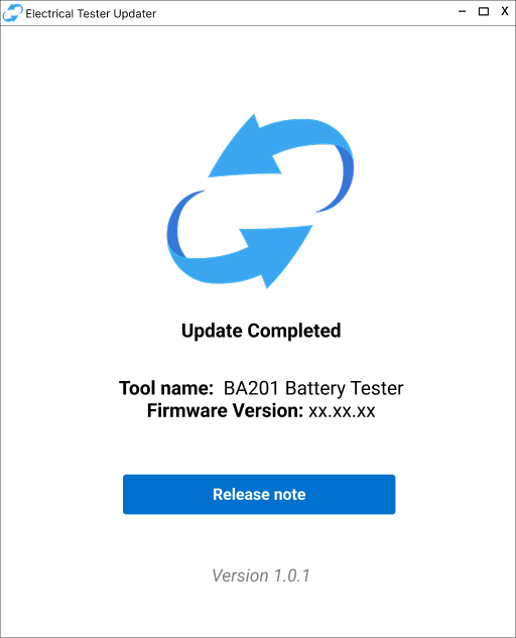
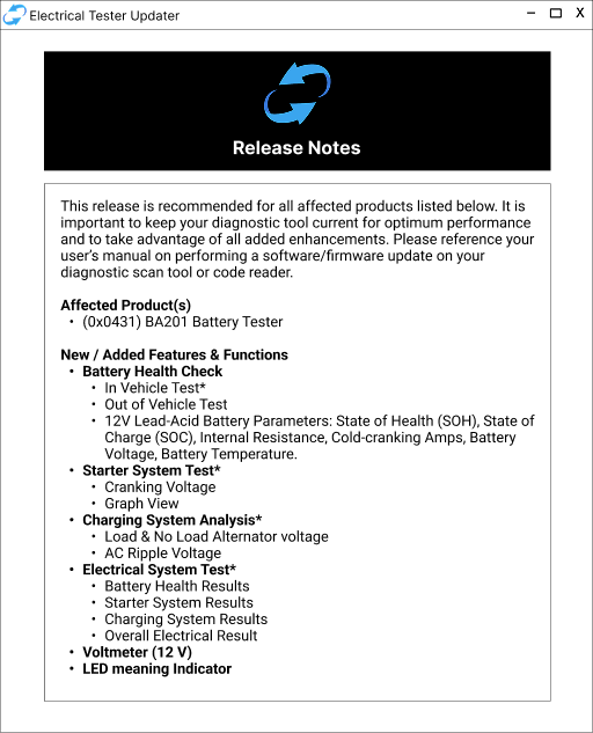
Step 6: Press the Release note button to read the new version information.
Disclaimer
This content is subject to change without notice. The information has been carefully reviewed and is believed to be accurate based on our research and findings. It is intended as a guide, not a definitive procedure. We accept no responsibility for inaccuracies. Vehicle-specific test settings may be required.
Copyright 2026 IEC. All rights reserved.

