Introduction
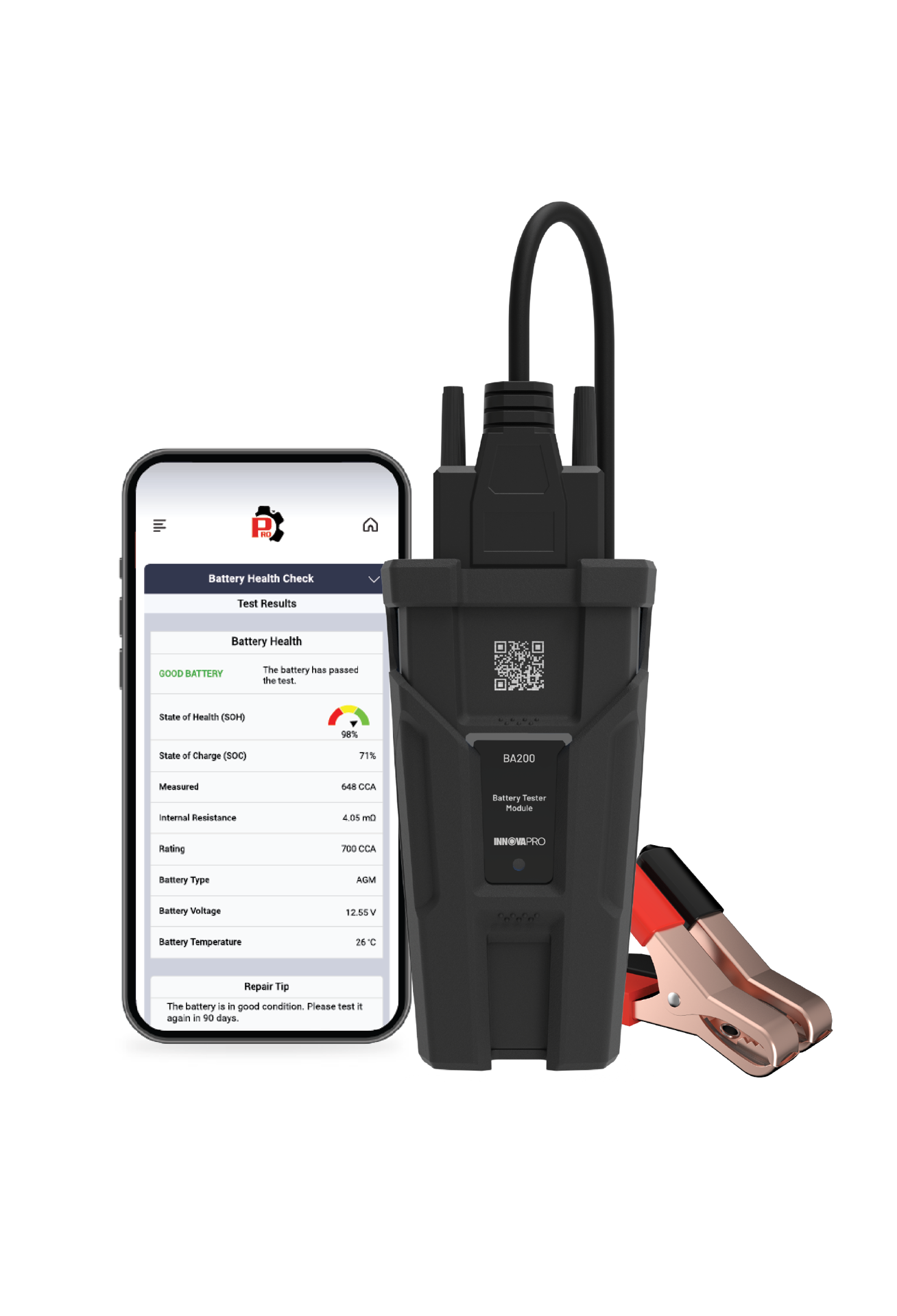
Accurately measuring the voltage of a vehicle's battery is critical to maintaining its overall performance. The Voltmeter function on the Battery Tester Module operates similar to the DC voltage measurement on a Digital Multimeter DMM, providing continuous monitoring of the battery’s voltage. This function offers a reliable indication of the battery's voltage, ensuring the vehicle's electrical system stays in optimal condition. This article explains how to use the Voltmeter function on the Battery Tester Module.
Instructions
NOTE: Inspect the battery terminals for sulfate deposits and other corrosion. Use a brush to thoroughly clean the terminals before connecting the Battery Tester Module.
Step 1: Connect the test clamps to the battery terminals; red clamp to the positive terminal and black clamp to the negative terminal. Connect the Battery Tester Module with the RSPRO® App. Tap the Battery Tester Module.
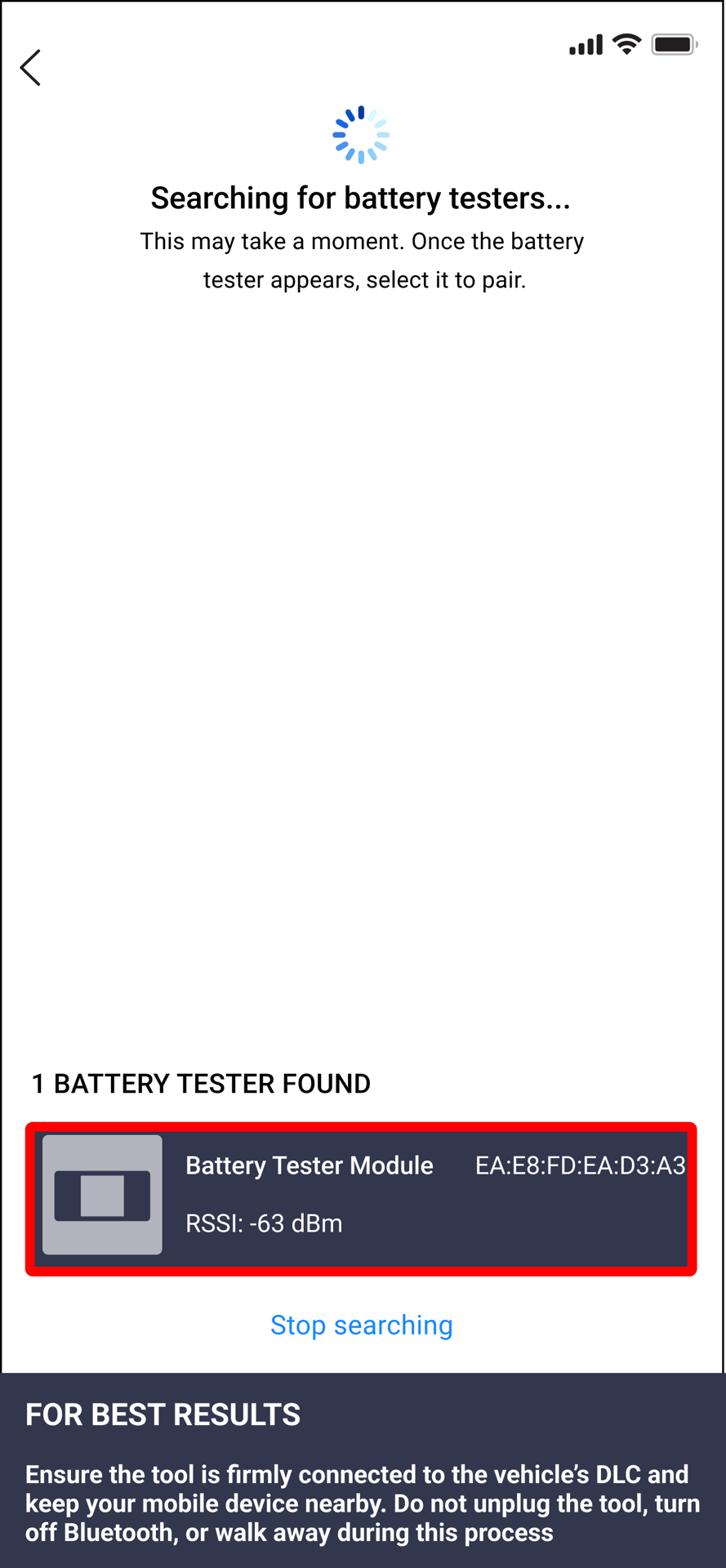
Step 2: When the Battery Tester Module has been paired successfully, tap Continue.
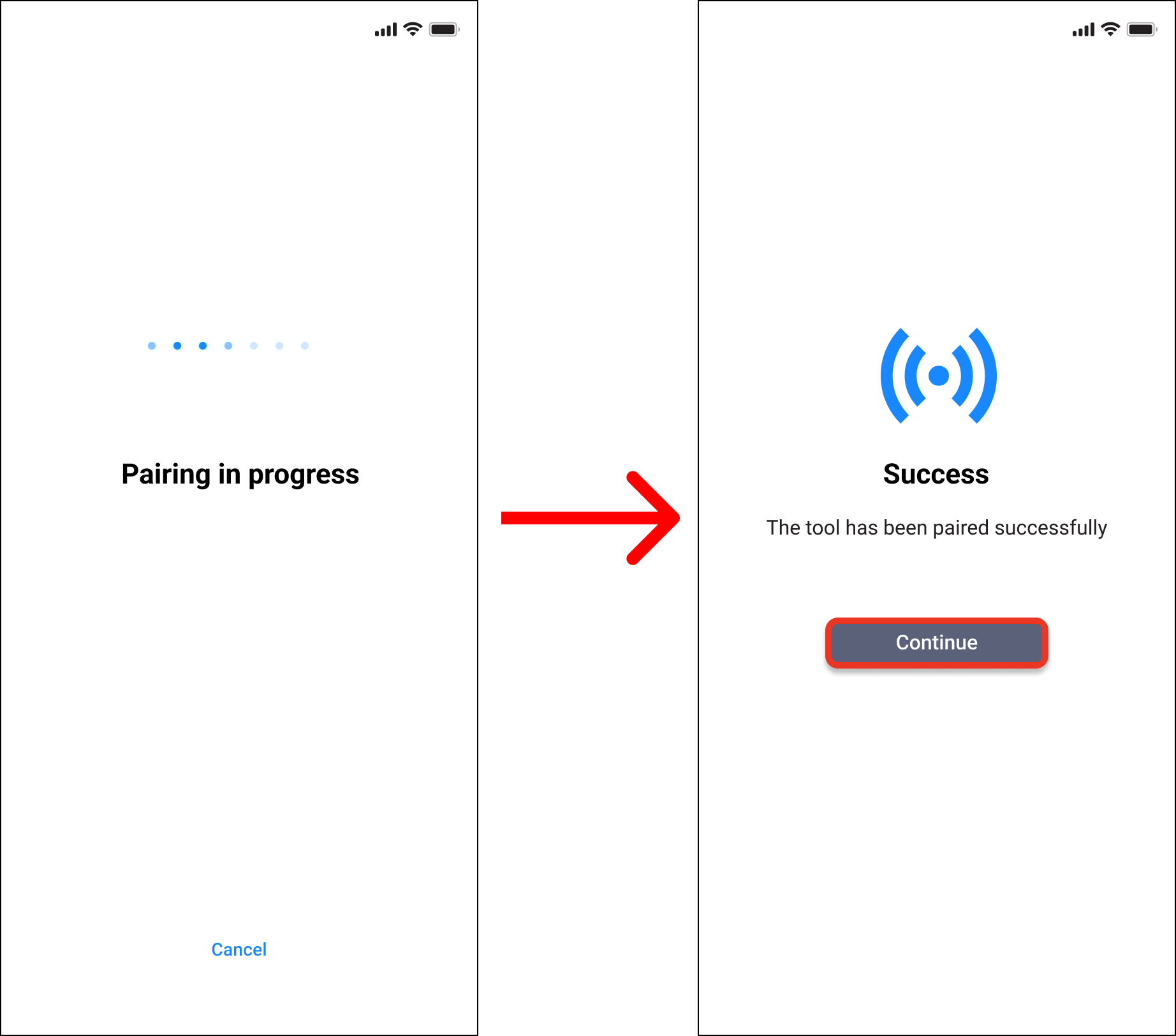
Step 3: Tap Voltmeter (12 Volt) on the Battery Tester Module menu.
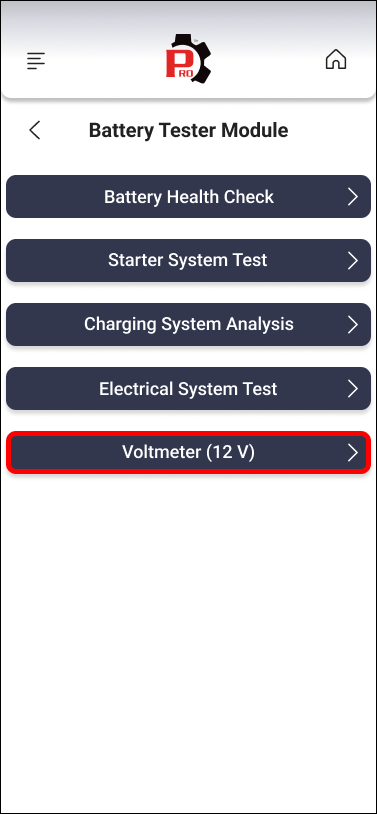
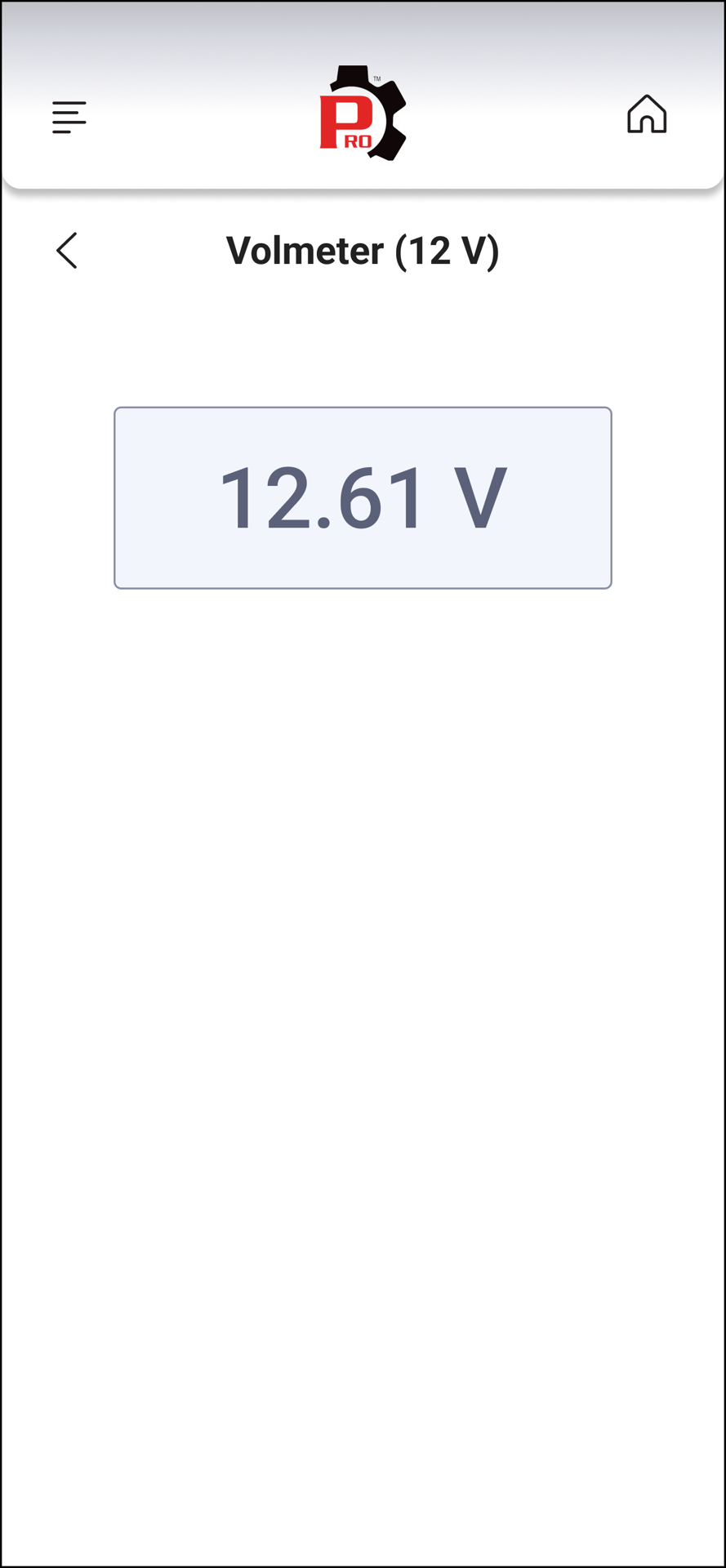
Step 4: The Voltmeter value is shown on the screen.
NOTE: If there are problems with the connection of the test clamps to the battery, an advisory message displays, indicating that the connection needs to be checked before trying again.
Video Reference
Disclaimer
This content is subject to change without notice. The information has been carefully reviewed and is believed to be accurate based on our research and findings. It is intended as a guide, not a definitive procedure. We accept no responsibility for inaccuracies. Vehicle-specific test settings may be required.
Copyright 2026 IEC. All rights reserved.

