Introduction
Description: The Tire Size Reset function is a feature found in modern vehicles that allows users to reset or reconfigure the tire size settings within the vehicle’s onboard computer system. The onboard computer, commonly known as the Electronic Control Unit (ECU), monitors various parameters related to the vehicle’s performance, including tire size. When changing the tires on the vehicle to a different size than the original factory-installed tires, it can affect the accuracy of certain systems that rely on tire size data, such as the speedometer, odometer, and anti-lock braking system (ABS). The Tire Size Reset function enables to update the ECU with the new tire size information, ensuring the proper functioning of these systems.
It’s important to note that not all vehicles have a Tire Size Reset function. Older vehicles may require physical recalibration by a mechanic or manual adjustments to the speedometer gears. Additionally, it’s crucial to consult the vehicle’s owner manual or contact the manufacturer to ensure to follow the correct procedure for the specific vehicle.
Benefits: This article shows the procedure to guide users on how to perform the Tire Size Reset function while using the Innova SDS50: Smart Diagnostic System Tech.
Instructions
NOTE: This procedure is carried out on the 2012 GMC Canyon.
NOTE: The system name and function procedure differ depending on the manufacturer and model of the vehicle.
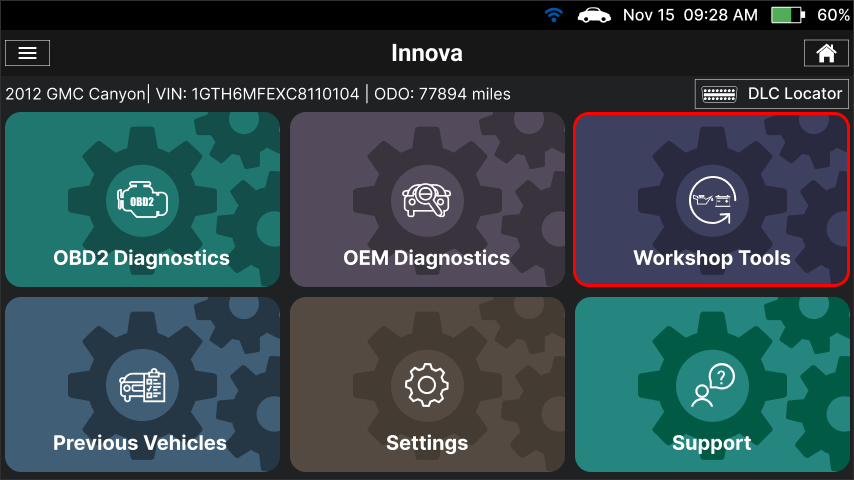
Step 1: Connect the Innova SDS50 to the vehicle via the 16-pin Data Link Connector (DLC). Wait a moment for the AUTO-LINK process to be completed. After retrieving, the Innova SDS50 gets general information such as VIN, vehicle information, and odometer. Next, select the Workshop Tools section.
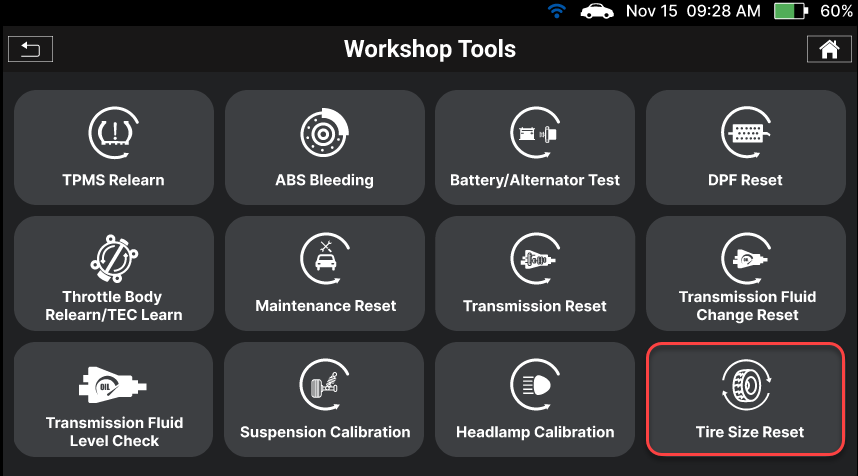
Step 2: The Innova SDS50 offers a range of features, including 16 Service Reset functions as illustrated in the image. To initiate the Tire Size Reset function, you can choose the Tire Size Reset item from the list.
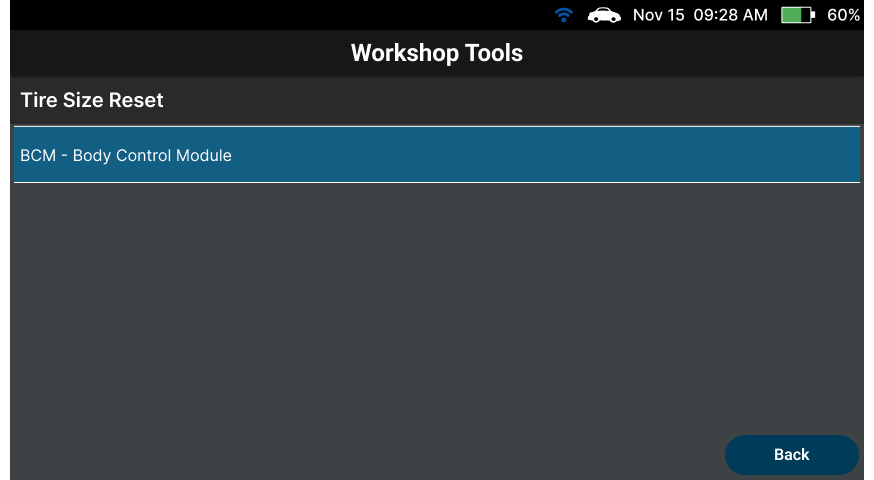
Step 3: After that, select the Body item to enter the system and tap the BCM – Body Control Module to enter the subsystem responsible for the Tire Size Reset function on the vehicle.
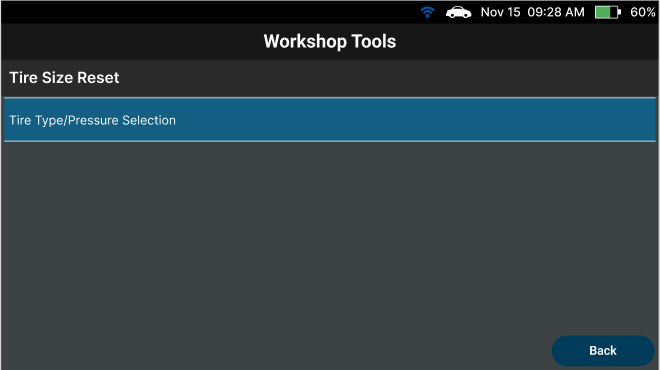
Step 4: Select the Tire Type/Pressure Selection item.
NOTE: The functions differ depending on the maker and model of the vehicle.
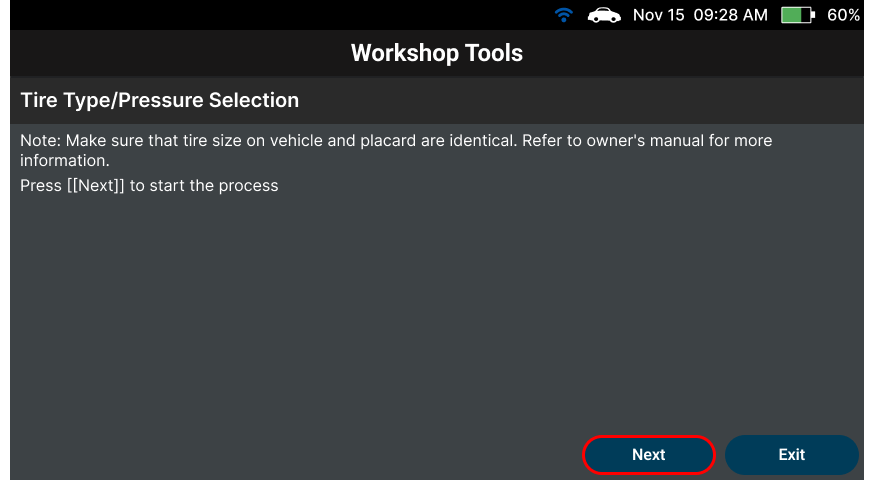
Step 5: After selecting the Tire Type/Pressure Selection function, the Scan Tool shows the information and condition for the Tire Type/Pressure Selection. To proceed to the next step, select the Next button.
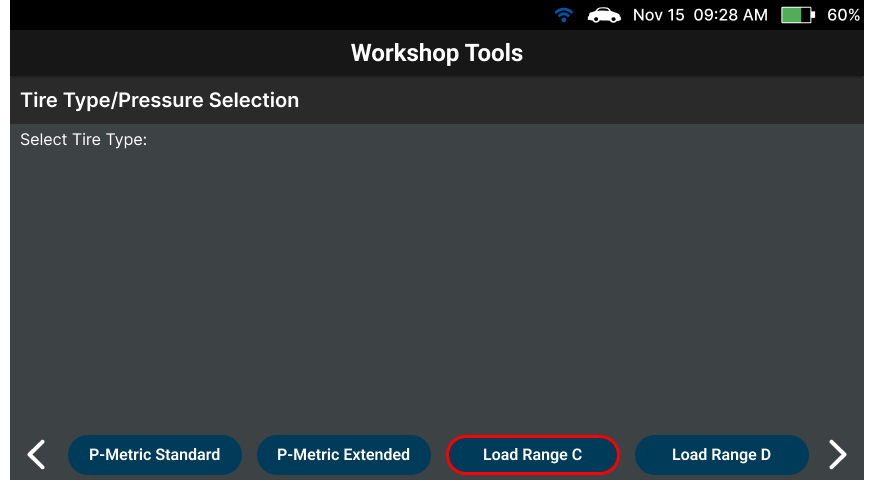
Step 6: The list of types will be shown. Choose the new type for the vehicle and wait a minute. Select the Load Range C button to set the new type.
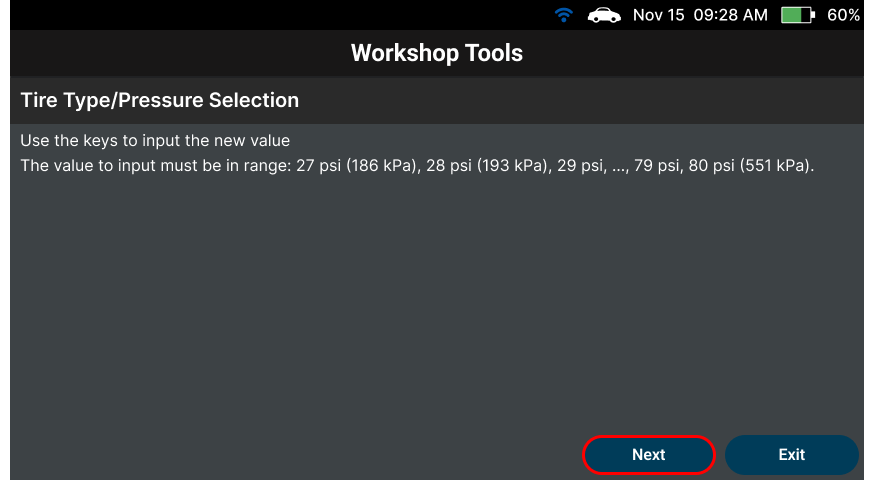
Step 7: The Innova SDS50 will show the range of the new input value (from 27 psi to 80 psi), select the Next button to input the new value.
Step 8: Input the new value and select Write Value to go to the next step.
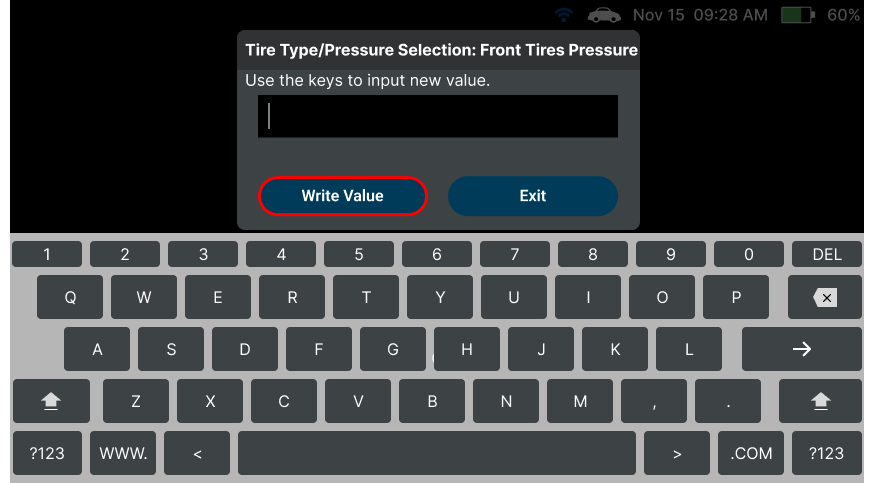
Step 9: The Innova SDS50 shows the new value of the Front Tire Pressure.
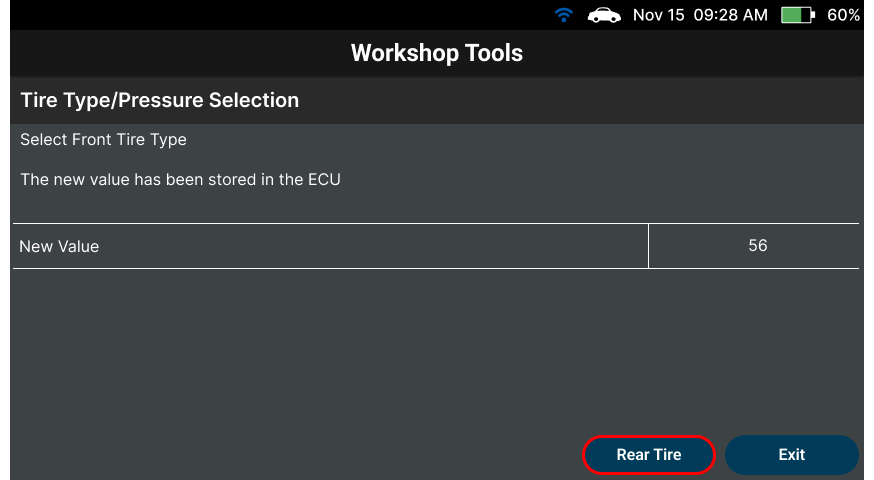
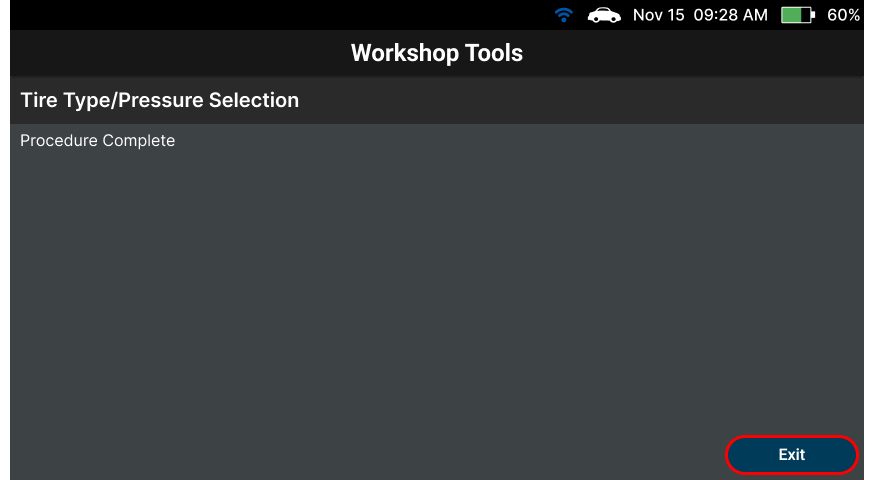
Step 10: After that, select Rear Tire to input the new value for the Rear Tire. When the process is completed, the Innova SDS50 will display the result of the process. Tap Exit to exit this function.