Introduction
Description: To guide you on how to perform the Oil Maintenance Reset while using the Innova SDS50 Smart Diagnostic System (SDS) Tech.
Benefits: The Oil Maintenance Reset function offers the possibility to reset oil maintenance, mileage or driving time to zero after the maintenance by using the On-Board Diagnostics (OBD) service or text procedure.
Instructions
Step 1: Connect the Innova SDS50 to the vehicle via the 16-pin Data Link Connector (DLC). Wait a moment for the AUTO-LINK process to be completed.
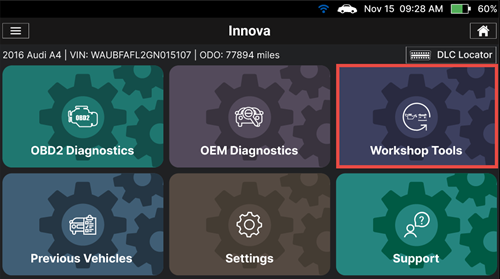
After retrieving, the Innova SDS50 gets general information such as VIN, vehicle information, and odometer. Next, select the Workshop Tools section.
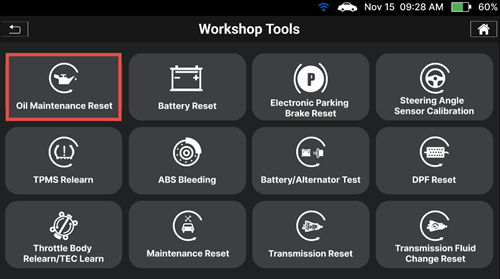
Step 2: The Innova SDS50 offers a range of features, including 16 Service Reset functions as illustrated in the image. Select the Oil Maintenance Reset function.
Step 3: The Innova SDS50 supports two types of Oil Maintenance Reset:
NOTE: The types of the Oil Maintenance Reset depend on the year, manufacturer, and model of the vehicle.
1. OBD Reset Type
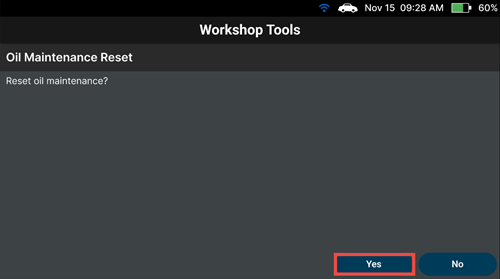
Tap the Yes button to perform the Oil Maintenance Reset function.
Wait for the Scan Tool to communicate with the vehicle, and then check the result displayed on the screen. Tap the "Exit" button to finish the Oil Maintenance Reset process.
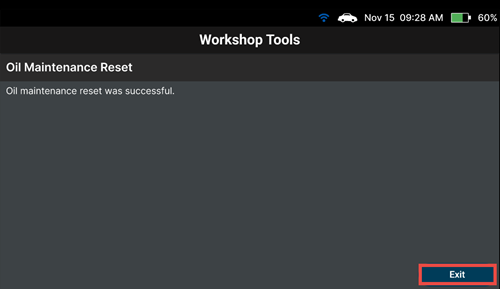
2. Reset Procedure Type
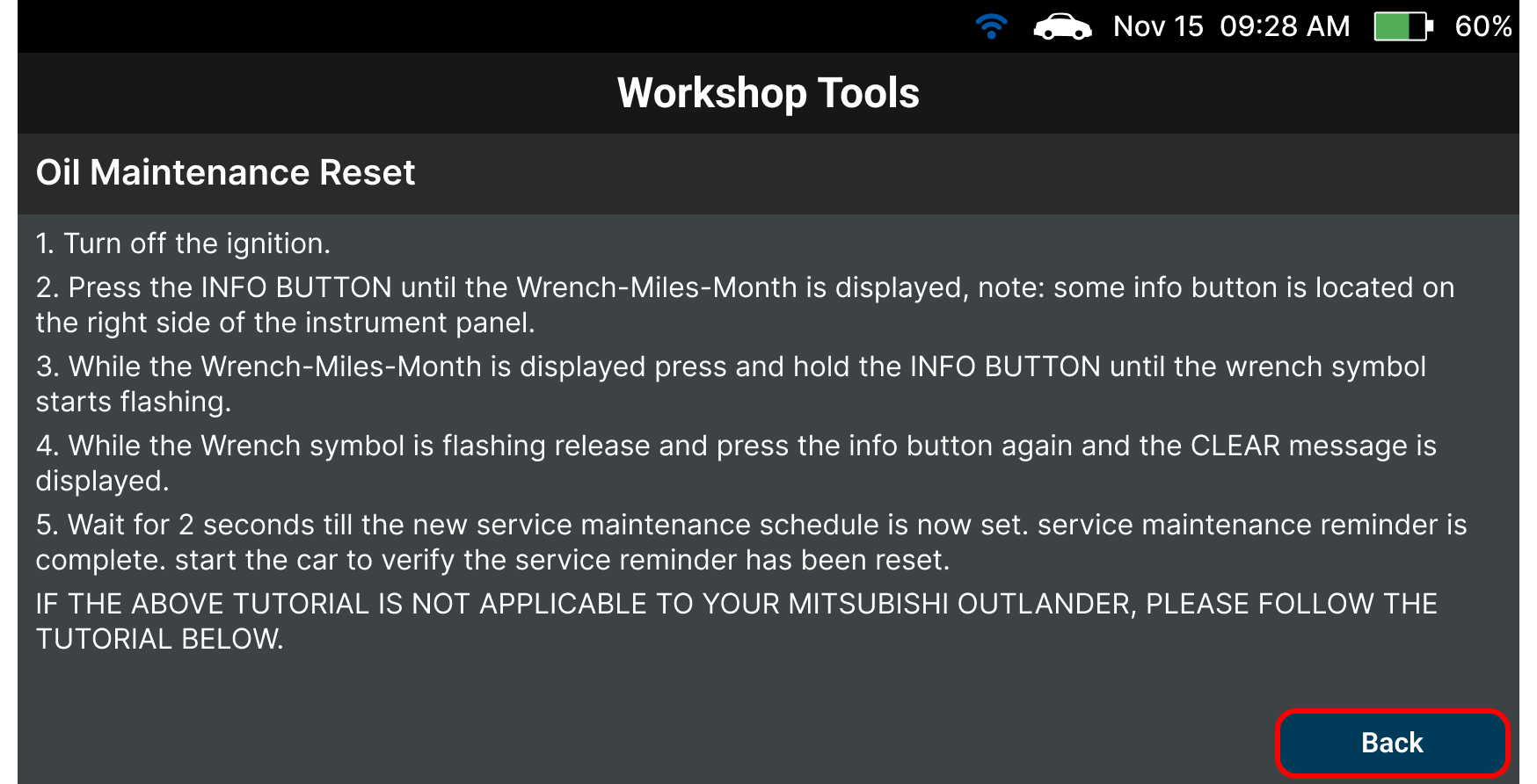
The Scan Tool shows the procedure to perform the Oil Maintenance Reset function.
After that, follow the procedure to reset the Oil change reminder, and tap the Back button to exit the procedure.