Introduction
Description: This article guides you through the process of using the Transmission Fluid Temperature function on the Innova 7111 Smart Diagnostic System (SDS) tablet scan tool.
Benefits: Transmission Fluid Temperature is a valuable function that helps car repair technicians identify problems with a vehicle's transmission system, diagnose the cause of those problems, and make the necessary repairs to keep the vehicle running smoothly.
Instructions
NOTE: This procedure is carried out on the 2015 Chevrolet Equinox.
Step 1: Connect the Innova 7111 to the vehicle via the 16-pin Data Link Connector (DLC). Wait a moment for the AUTO-LINK process to be completed.
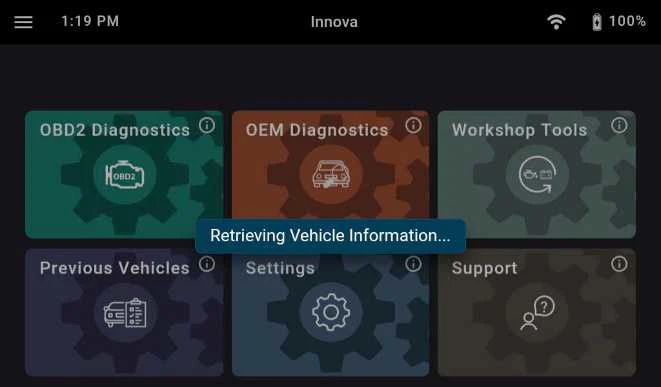
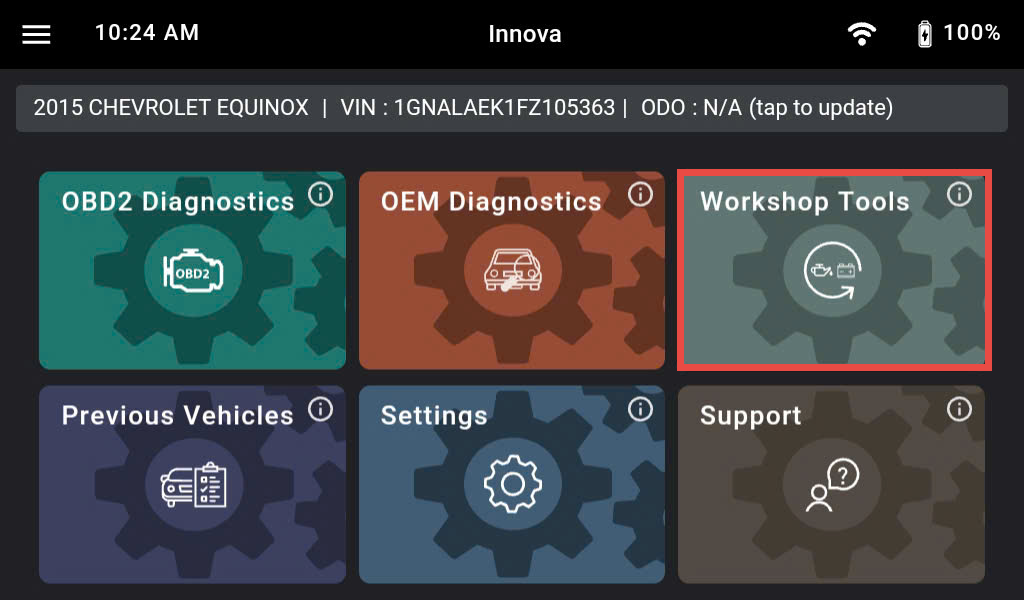
After retrieving, the Innova 7111 gets general information such as VIN, vehicle information, and odometer. Next, select the Workshop Tools section.
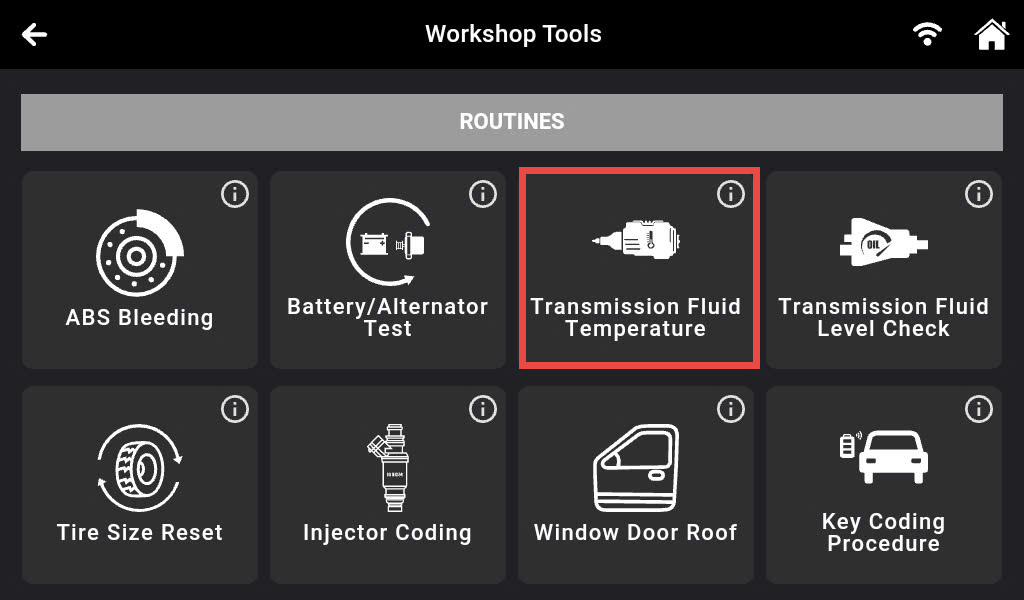
Step 2: There are 36 Workshop Tools features supported on the Innova 7111 shown and categorized. Scroll down to the Routines section and select the Transmission Fluid Temperature feature.
Step 3: After retrieving the data from the vehicle, the Innova 7111 shows the current temperature of the transmission fluid. Press the Record button to record the real-time value of the parameter.
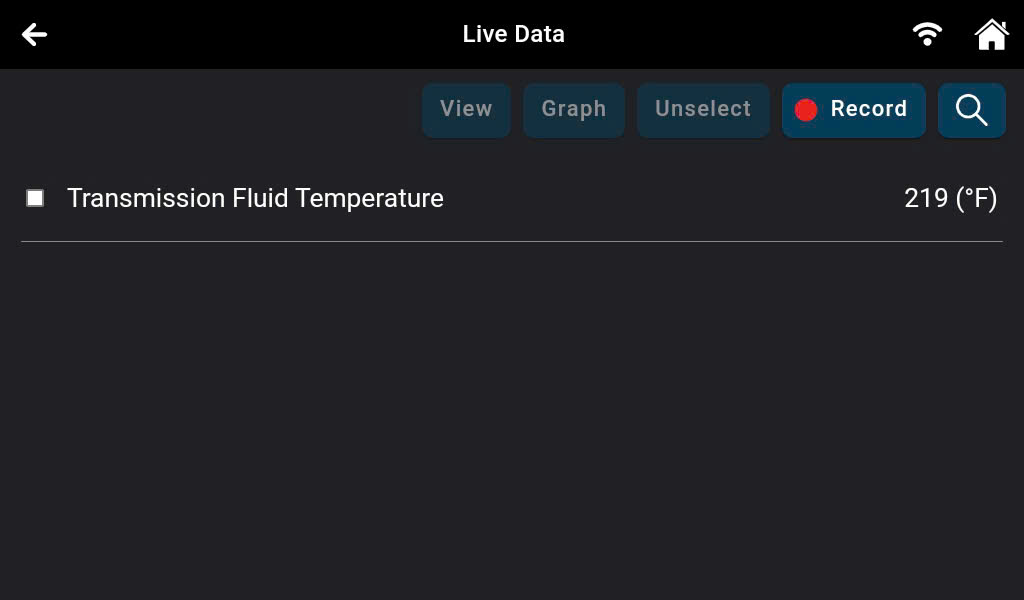
Step 4: Press the Stop Record button to finish the record function.
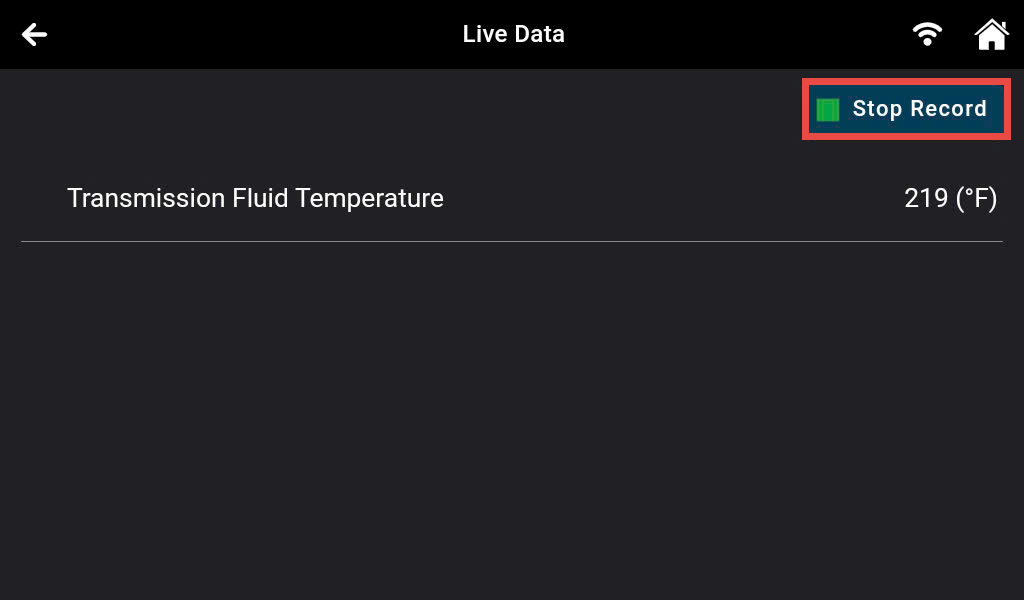
Step 5: Press the Yes, Save Live Data button to save the recorded data. Otherwise, press the No, Erase Live Data button to finish the record function without saving the recorded data.
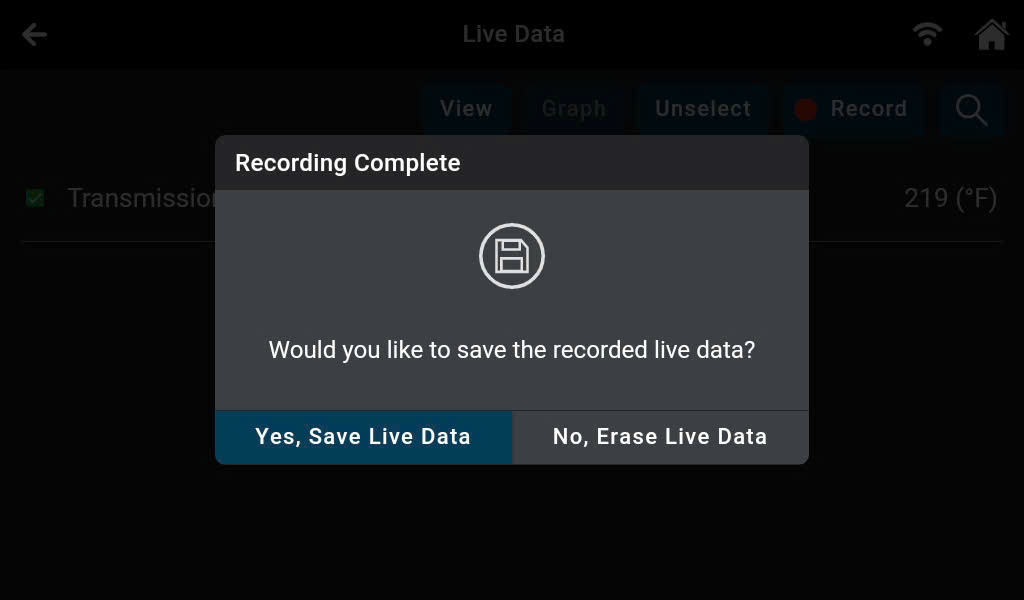
Step 6: To view the record, go back to the main screen and select the Previous Vehicles section.
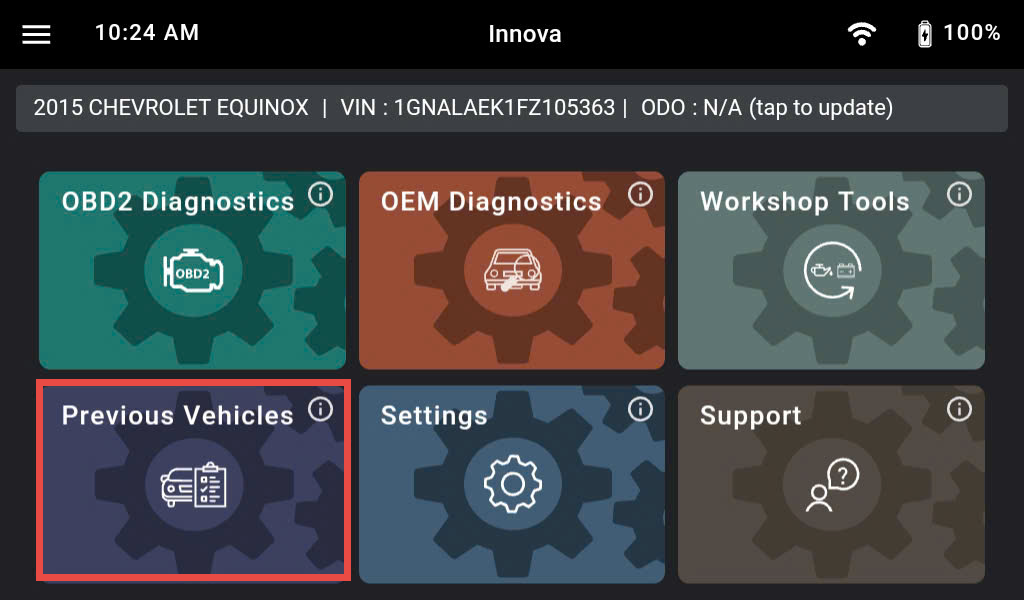
Step 7: Press the Live Data button.
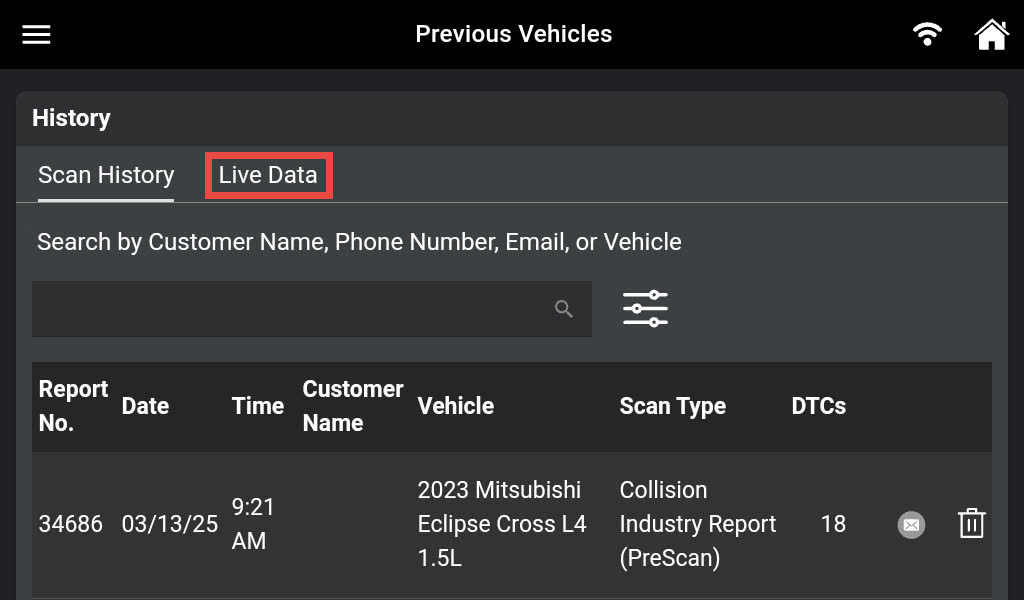
Step 8: Choose the desired recorded Live Data based on the date, time, and vehicle information that you want to review.
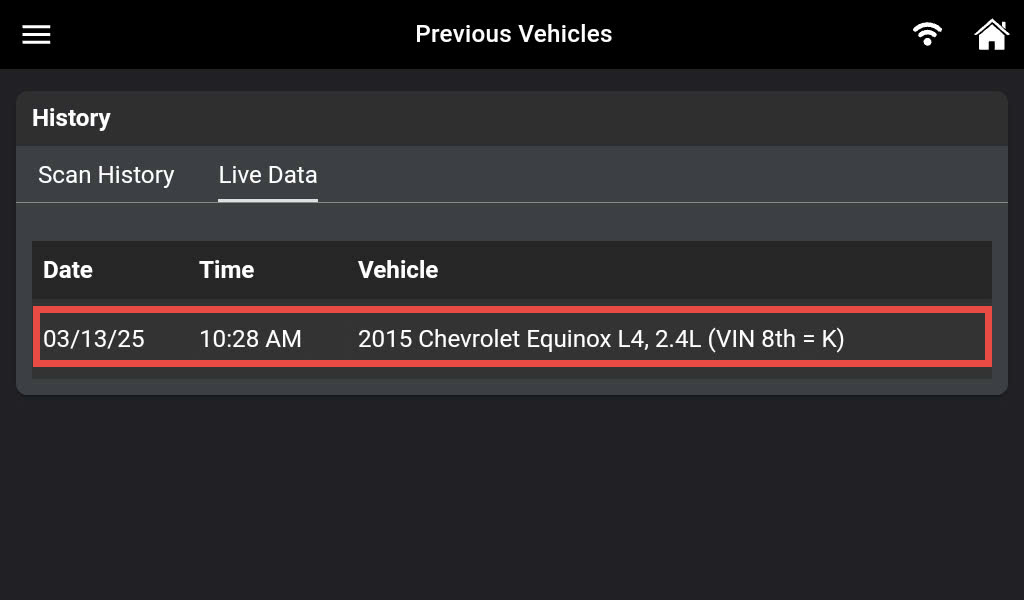
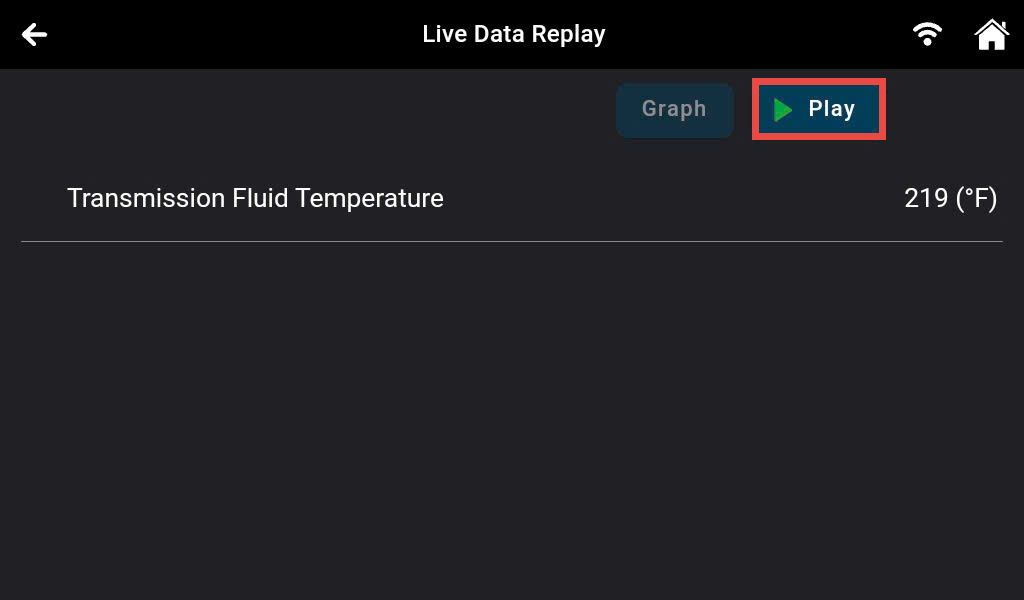
Step 9: After choosing the desired recorded Live data, press the Play button to start.