Introduction
Description: This article guides you through the process of using the Battery Test function on the Innova 7111 Smart Diagnostic System (SDS) tablet scan tool.
Benefits: The battery is a crucial component in a vehicle's electrical system as it provides power for starting the vehicle and supporting systems like the headlights, air conditioner fan, etc. while the engine is not running. The Battery Test feature allows us to assess the battery's status, which can give us an idea of its performance in the future.
Instructions
NOTE: This procedure is carried out on the 2023 Mitsubishi Eclipse Cross.
Step 1: Connect the Innova 7111 to the vehicle via the 16-pin Data Link Connector (DLC). Wait a moment for the AUTO-LINK process to be completed.
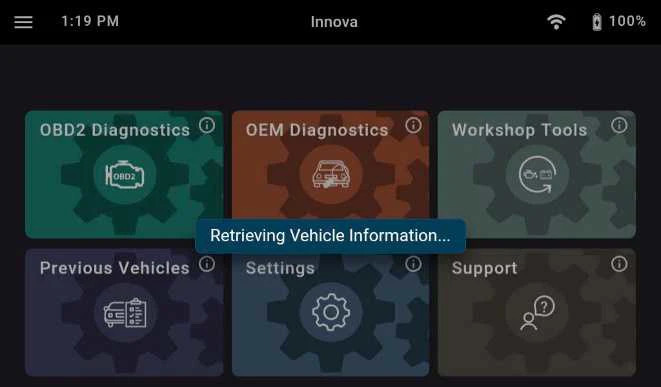
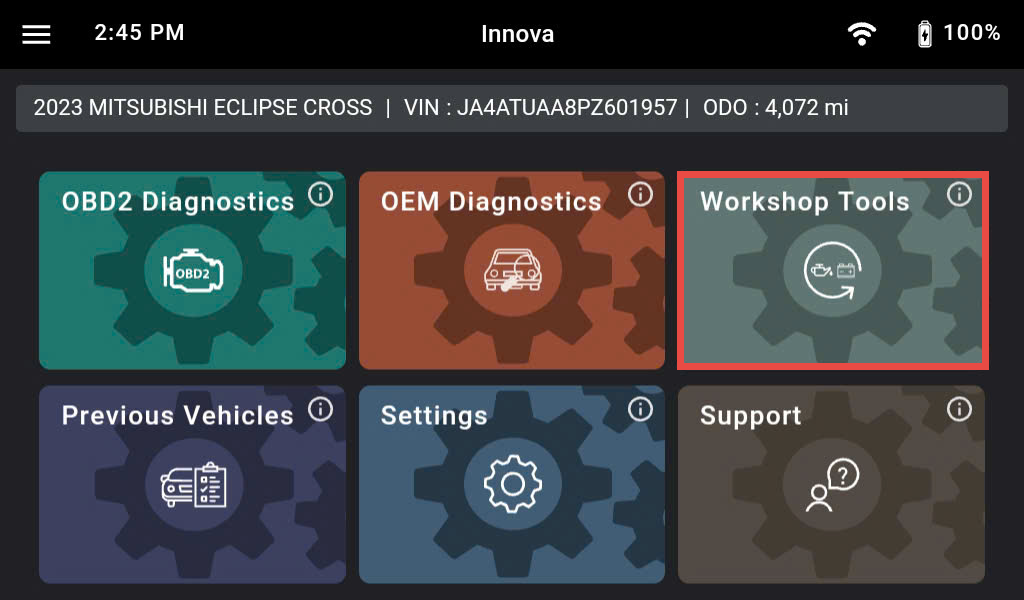
After retrieving the information, the Innova 7111 gets general information such as VIN, vehicle information, and odometer. Next, select the Workshop Tools section.
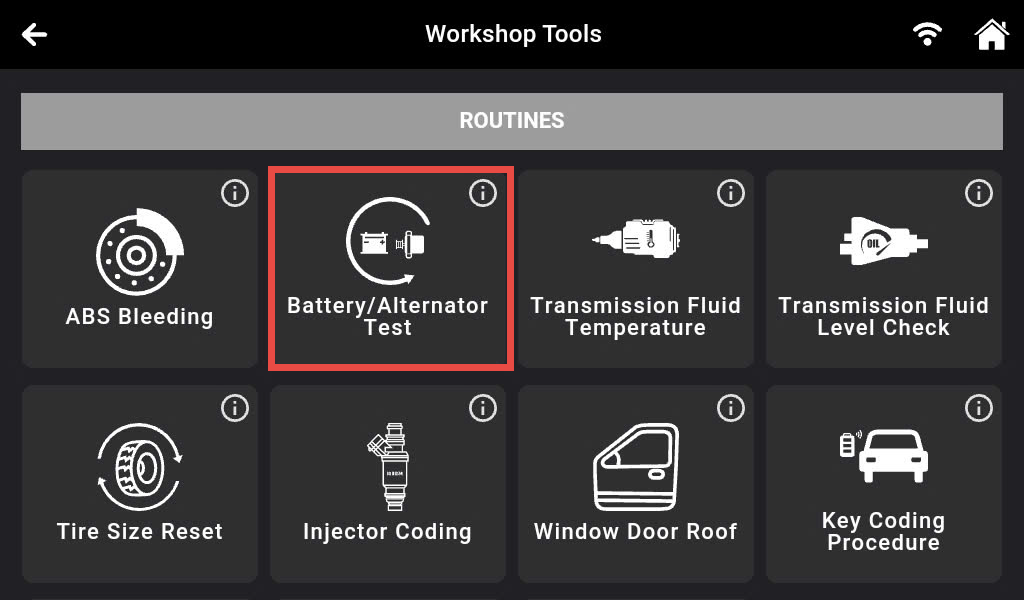
Step 2: There are 36 Workshop Tools features supported on the Innova 7111 shown and categorized. Scroll down to the Routines section and select the Battery/Alternator Test feature.
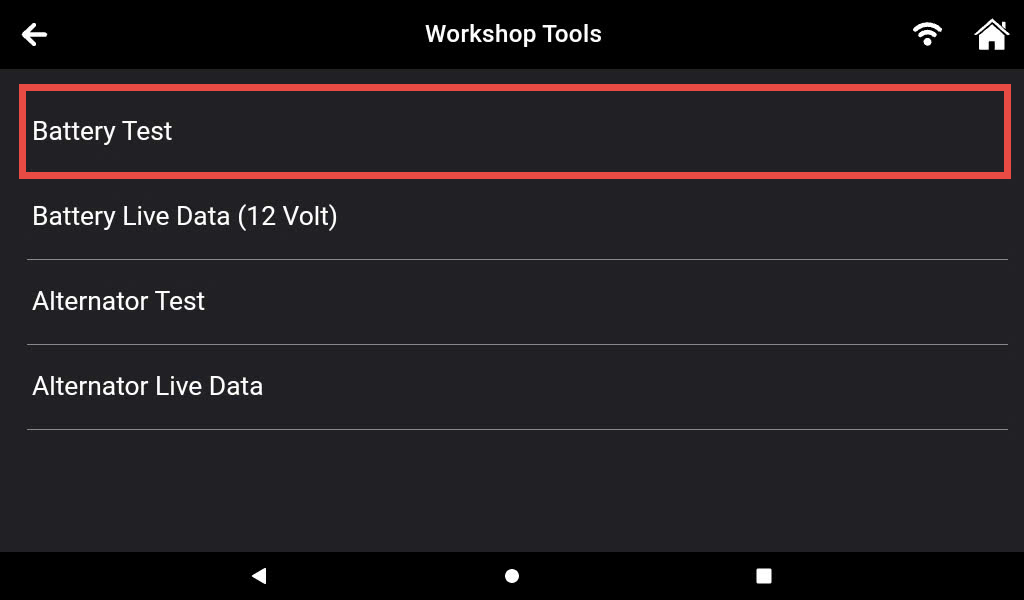
Step 3: Tap the Battery Test.
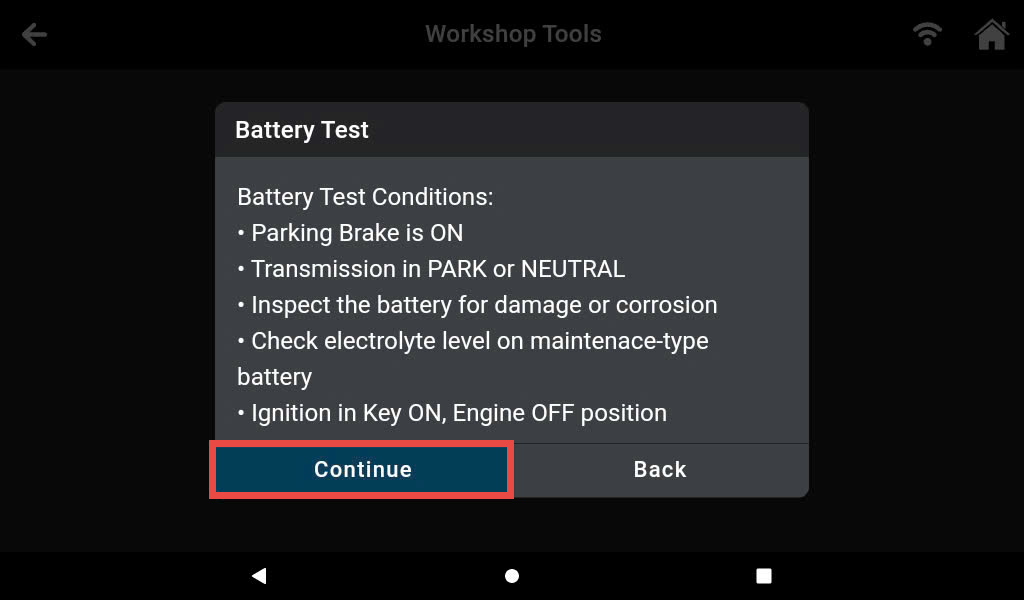
Step 4: Initially, start the engine and turn ON the headlights. Ensure that your vehicle meets the requirements. If requirements are not met, you will not be able to proceed. Then, press the Continue button to move to the next step.
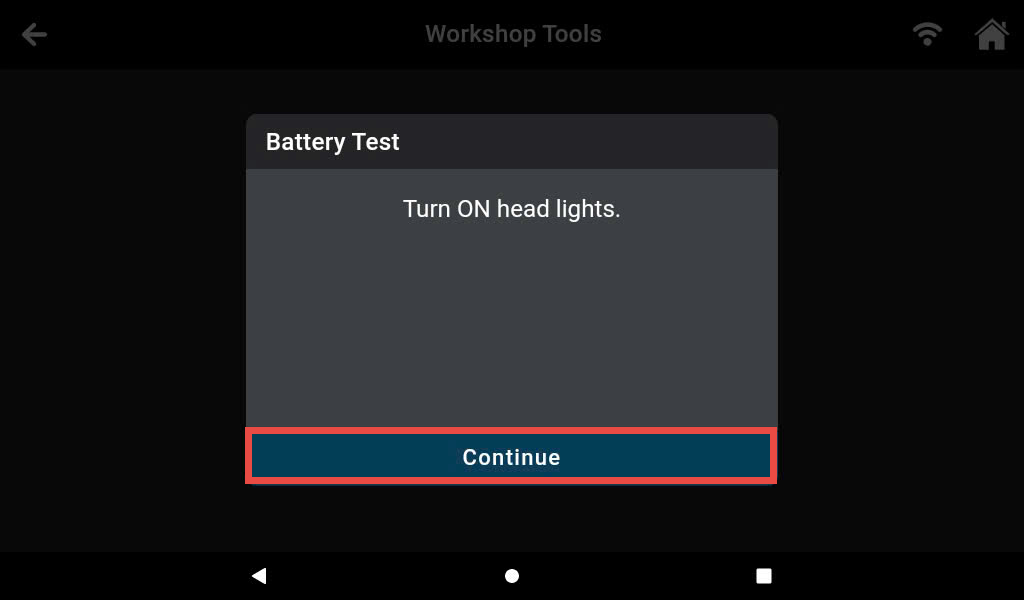
Step 5: Turn ON the headlights after that press the Continue button and wait for 20 seconds.
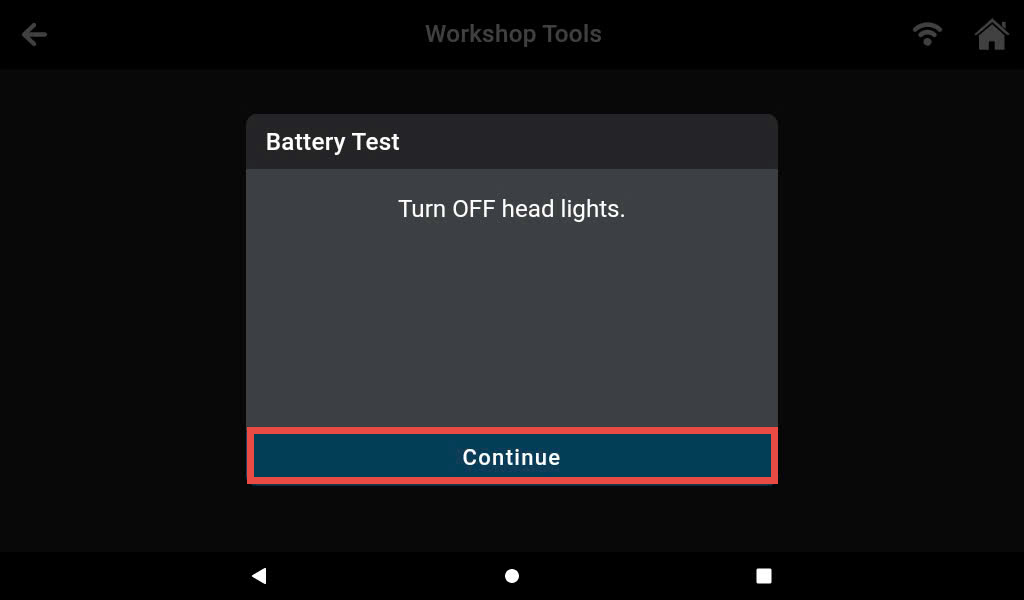
Step 6: Turn OFF the headlights after that press the Continue button.
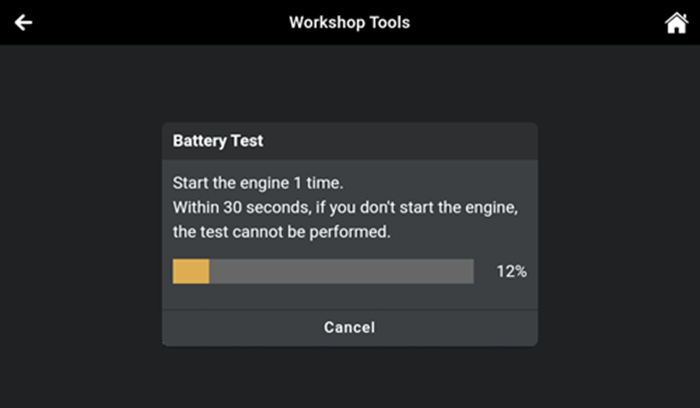
Step 7: Turn the Key ON Engine Running (KOER) and wait for the Innova 7111 to calculate the battery’s status.
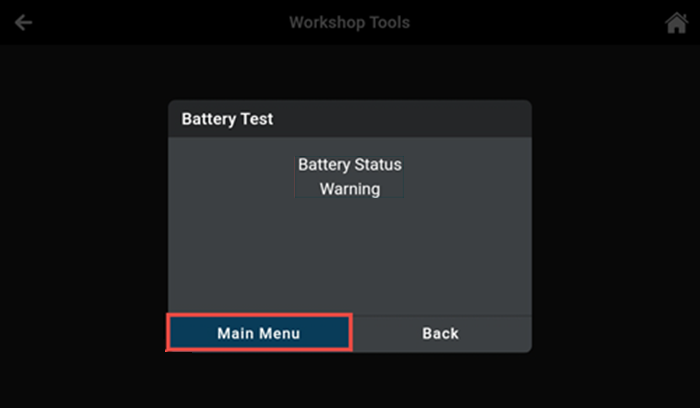
Once the testing is complete, the test result will be presented as an image.
The Battery Test function has test results that fall into three categories: Pass, Warning, and Fail.
- For Pass status, the battery has passed the test.
- For Warning the battery needs to be charged and retested.
- For Fail the battery needs to be replaced.