




SDS50: Smart Diagnostic System Tech
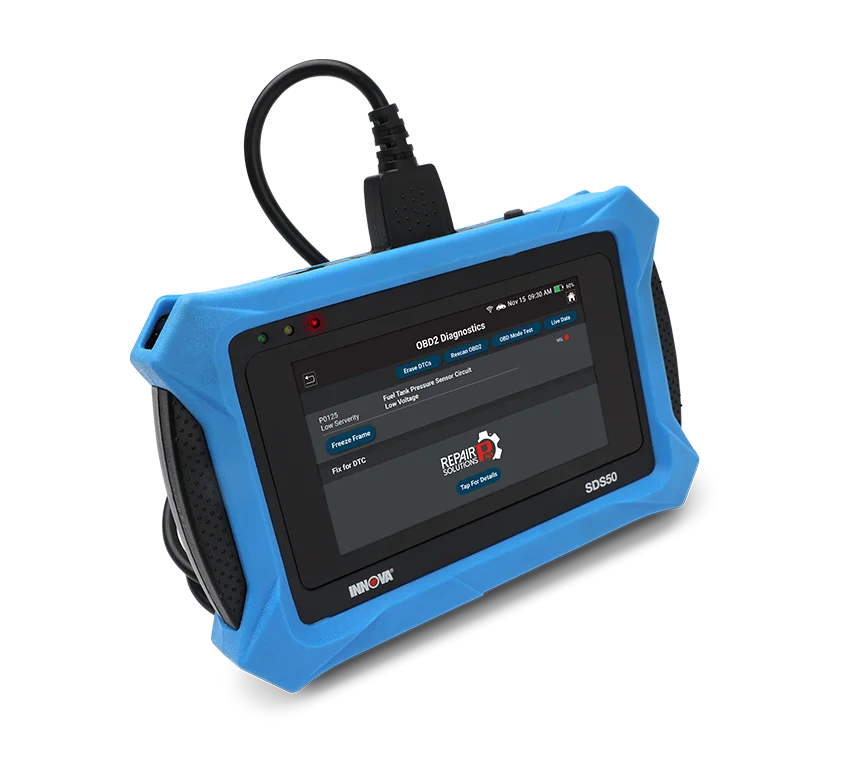
Compatible with RepairSolutionsPRO®
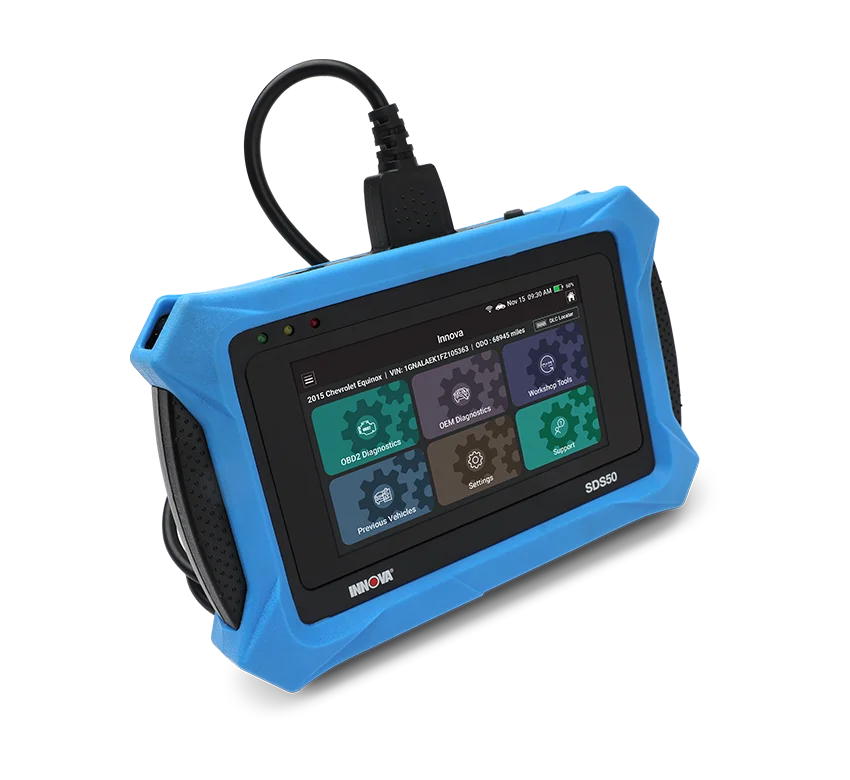
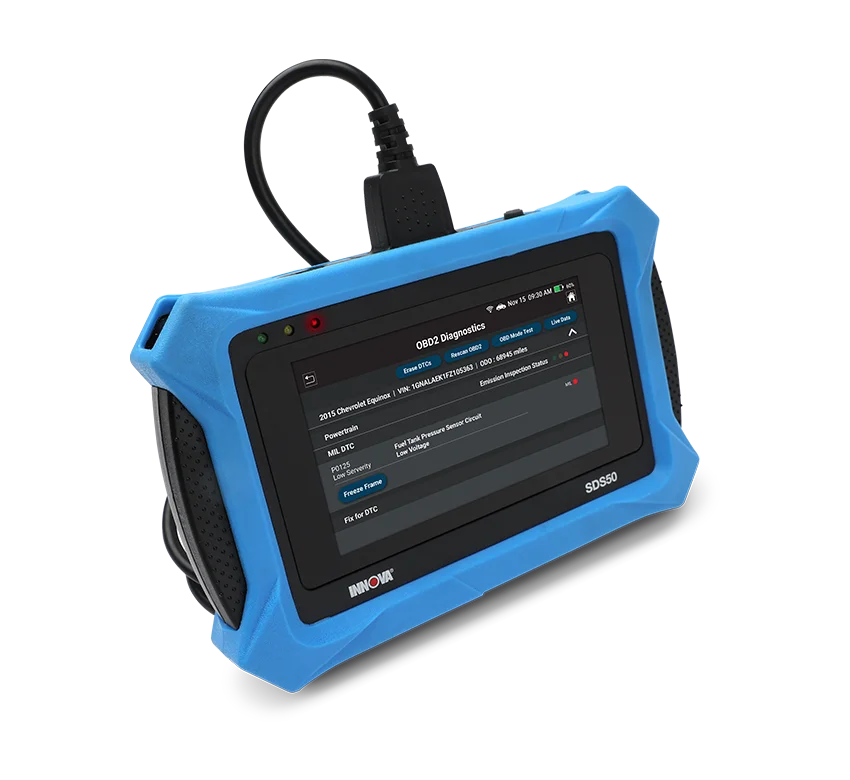
Innova's SDS Tech, the OE-Level Diagnostic Tablet designed for professional technicians seeking advanced powertrain diagnostics. This SDS-Tech combines a technician-designed interface focused on speed with a drop-tested 5-inch touchscreen for effortless navigation through Innova's patented software featuring OEM licensed data. Equipped with active tests and special functions for the top 7 vehicle brands, the SDS-Tech ensures comprehensive coverage and versatility. With bidirectional communication, technicians can actively interact with vehicle control modules for efficient problem-solving. Trust Innova's SDS-Tech to transform your powertrain diagnostic capabilities, enabling automotive professionals to excel in their field and maximize workshop productivity.
- Advanced Reporting with RepairSolutionsPRO® App
- OEM Diagnostics
- OBD II Diagnostics
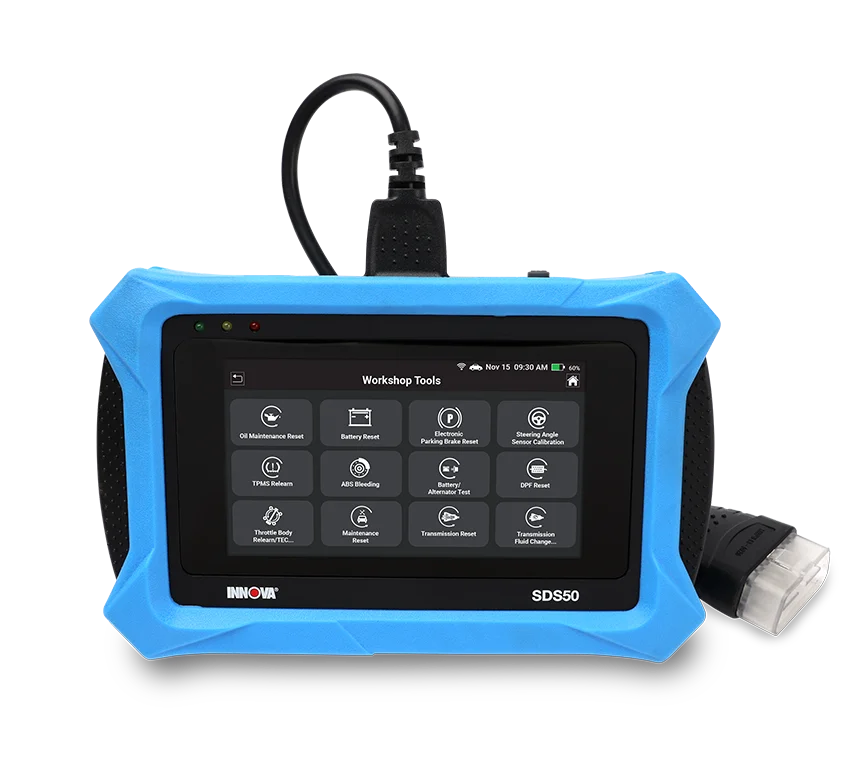
- 16 Workshop Tools
- 5” Touch screen Display
- Bi-Directional Control / Active Tests
- Special Functions
- All Systems Scan
- Live Data for All Systems
- Emission/SMOG Check Readiness
- Multiple Report Types
- Battery/Alternator Test
- EV/HEV/PHEV Battery Health
- TPMS Diagnostics
- Secure Gateway Unlock (FCA)


 SDS50
SDS50
Smart Diagnostic System Tech
OE-Level Diagnostic Tablet designed for professional technicians.
SDS50 | SDS Tech
Developed by Pros for Pros

The INNOVA SDS50 is ergonomically designed and easy to use.
Featuring
- Large 5.0" Display
- Durable Rubber Guard
- Instant Boot Up
- Adjustable Hand Strap
- Detachable Cable with LED Lit Head
 SDS50 | SDS Tech
Watch our instructional video to learn more about the INNOVA SDS50 and its powerful features, including dealership-level and user-friendly services.
INNOVA SDS50 FAQs
-
I see a “Communication Error” message on the SDS50 screen. What does this mean?
When the tablet shows "Communication Error", it means the tablet failed to establish communication with the vehicle.
Please follow these steps to troubleshoot the issue:
1. Check if the tablet DLC cable is securely plugged into the vehicle’s DLC port.
2. Turn the ignition off, then turn it on again after 10 seconds. DO NOT start the engine and then retry the operation.
3. Check if the vehicle’s control module is defective -
What vehicles is the SDS50 compatible with?
The tool supports foreign and domestic vehicles from 1996 and newer OBD II vehicles, including light trucks, SUVs, and hybrid vehicles sold in the US or Canada. Customers can check supported functions and vehicle coverage here: Coverage Checker
-
How do I find specific functions like Transmission Reset, or DPF Reset on SDS50?
To find specific function like Transmission Reset or DPF Reset, go to the Workshop Tools menu and scroll down to the Reset section. However, availability of certain features depends on the specific make and model of the vehicle. To ensure compatibility before purchasing, we recommend using the Coverage Checker on pro.repairsolutions.com
-
Does the SDS50 require a subscription to use its functions?
The SDS50 includes free lifetime software updates and core diagnostic functions with no mandatory subscription required. The only feature that may require an additional fee is the optional Repair Information service provided by MOTOR, which is a third-party service. This feature is clearly labeled as optional and is not required to diagnose vehicles or use the scanner’s main functions.
SUPPORT ARTICLES
- Innova SDS50: How to Unlock the Secure Gateway (SGW)
- Innova SDS50: How to perform Throttle Body Relearn/TEC Learn function
- Innova SDS50: How to perform the Transmission Fluid Change Reset function
- Innova SDS50: How to perform the TPMS Relearn
- Innova SDS50: How to perform the Tire Size Reset function
- Innova SDS50: How to perform the Scan All Systems
- Innova SDS50: How to perform the Oil Maintenance Reset
- Innova SDS50: How to perform the Active Test feature
- Innova SDS50: How to perform Suspension Calibration
For tool updates, go to Updates/Manuals page or Support for assistance.
 Best In-Class Database
SDS tablet utilizes only the best for the best. We contract automotive data directly from OEMs, which means the data we provide you are of the utmost quality. We retrieve quality data from major automotive players such as Toyota, GM, Hyundai, Mercedes, and more.
SDS50 | SDS Tech
Finding fixes has never been easier.
Seamlessly switch between your devices to maximize efficiency and access your reports anytime, anywhere
You can find

on


* RepairSolutionsPRO® web version is still under development. You can still enjoy our fully functional app, available to download in the App Store or Google Play Store.
