Introduction
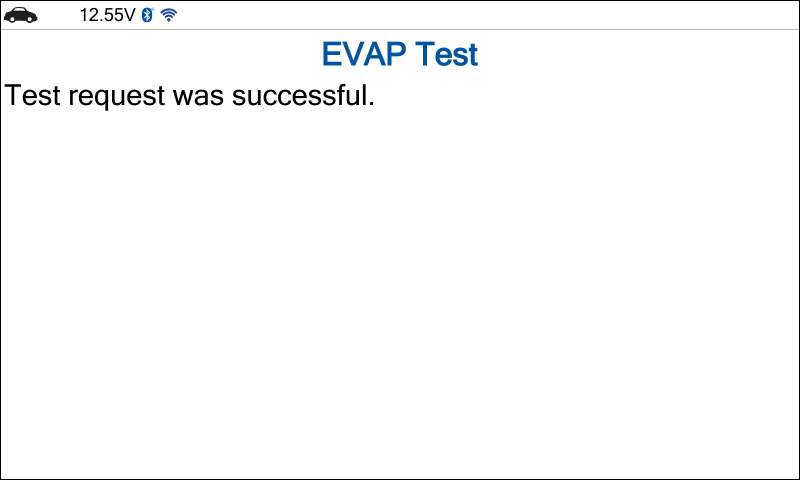
Description: Innova SDS43 supports On-Board Diagnostic Mode Tests (OBD Mode Tests), a crucial function for evaluating emissions-related systems before an emissions or smoke check. It includes tests such as Oxygen Sensor Monitor (Mode 05), OBD Monitor Test (Mode 06), and Request Control On-Board System (Mode 08).
Benefits: Using OBD Mode Tests helps detect potential issues affecting emissions performance, ensuring the vehicle meets regulatory standards. This function improves diagnostics and compliance, aiding in smoother inspections and repairs.
Instructions
A. O2 Sensor Monitor – Mode 05
NOTE: This procedure is carried out on a 2005 Subaru Legacy B4, 2.5L.
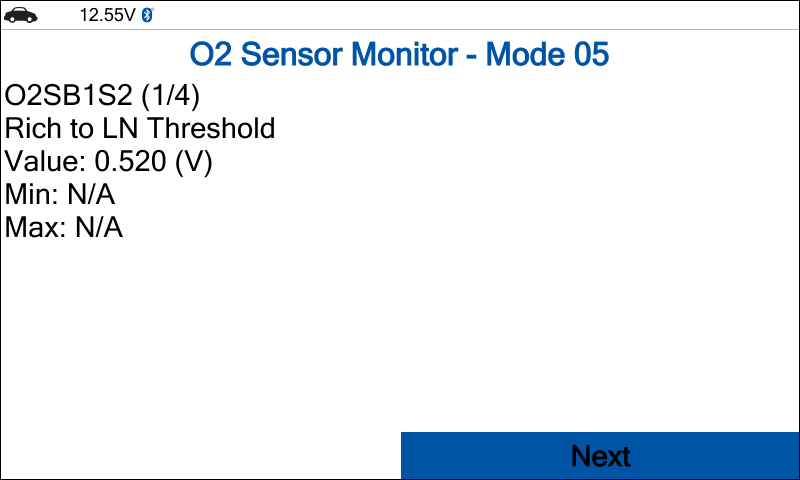
The O2 Sensor Monitor – Mode 05 displays test results for Oxygen (Lambda) Sensors (O2S). While the vehicle may be from MY2008, all functions of this mode are incorporated into Mode 06.
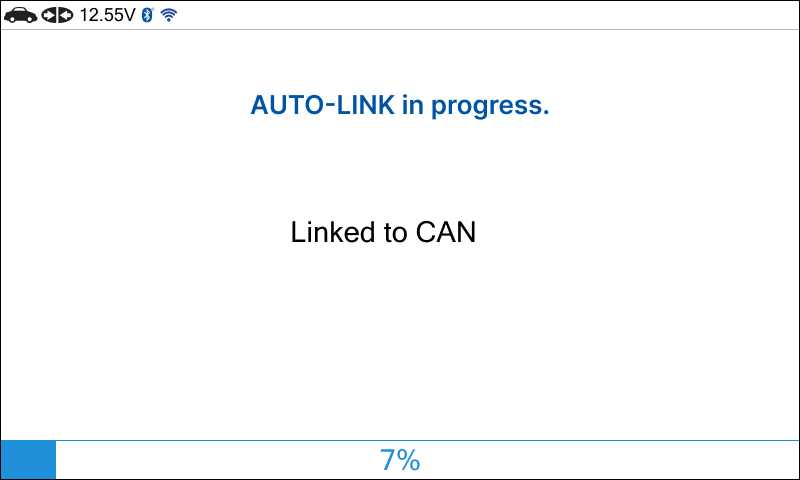
Step 1: Connect the Innova SDS43 to the vehicle via the 16-pin Data Link Connector (DLC). Wait a moment for the AUTO-LINK process to complete.
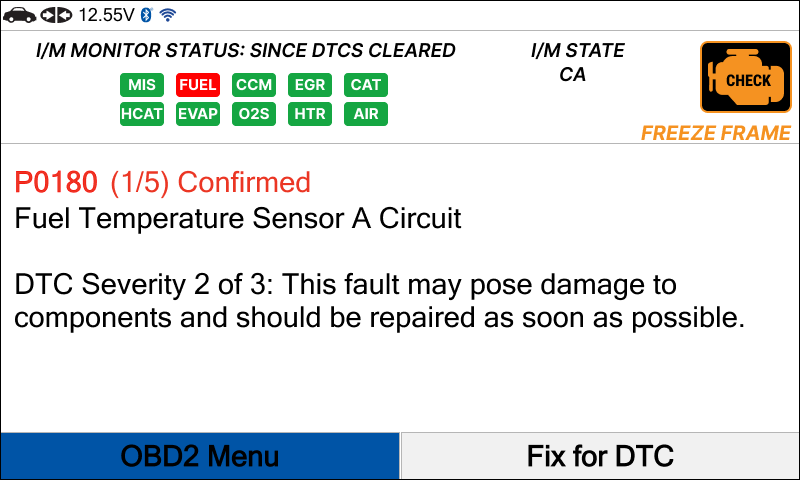
Step 2: After the AUTO-LINK process is complete, the Read DTCs screen will appear. Select the OBD II Menu by the navigation button and press the OK button.
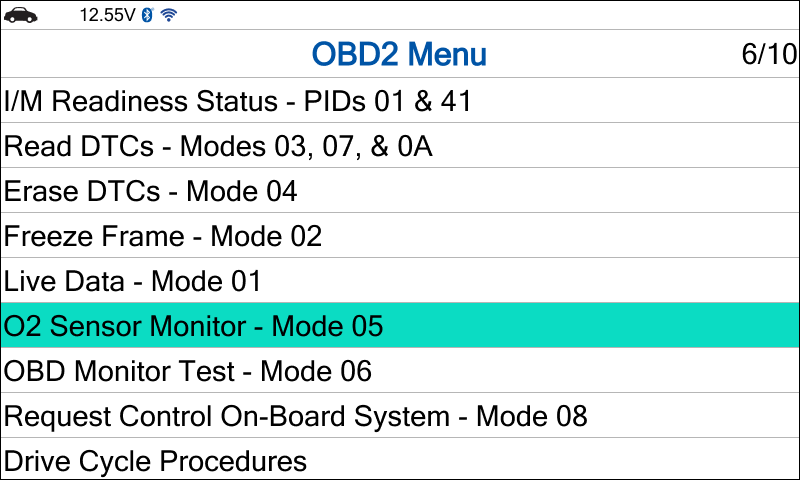
Step 3: Select the O2 Sensor Monitor – Mode 05 by the navigation button and press the OK button.
Step 4: Select the oxygen sensor that you want to test and press the OK button.
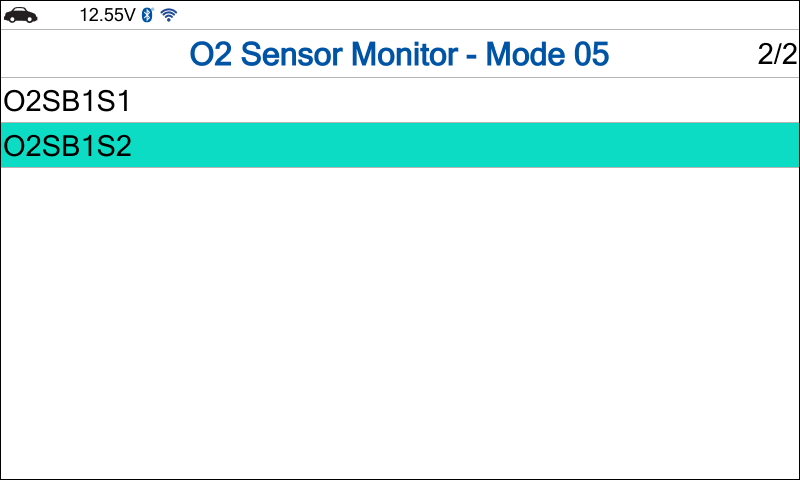
Step 5: The Innova SDS43 will show the O2 Sensor Monitor – Mode 05 results.
B. OBD Monitor Test – Mode 06
NOTE: This procedure is carried out on a 2005 Subaru Legacy B4, 2.5L.
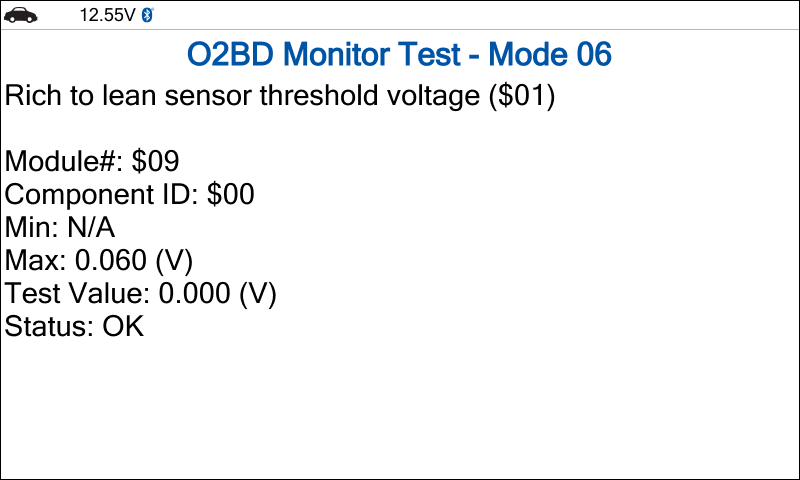
The OBD Monitor Test – Mode 06 shows on-board monitoring test results for specific systems that are not continuously monitored. It can also serve as an alternative to Mode 05 for retrieving Oxygen Sensor test results.
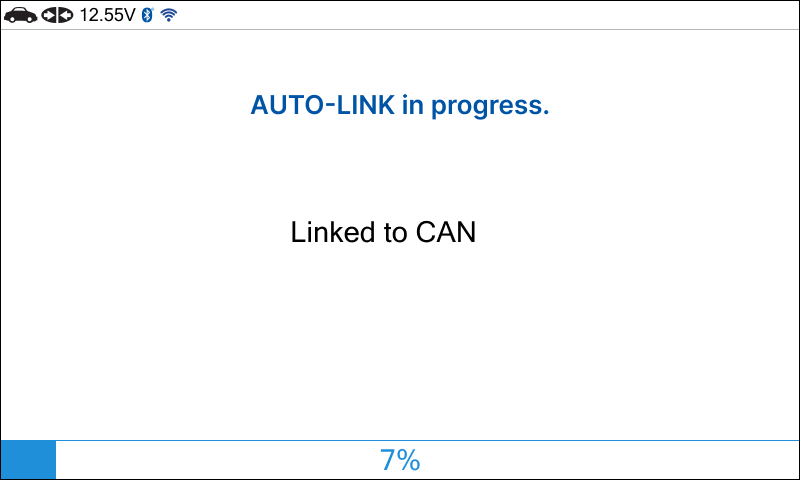
Step 1: Connect the Innova SDS43 to the vehicle via the 16-pin Data Link Connector (DLC). Wait a moment for the AUTO-LINK process to complete.
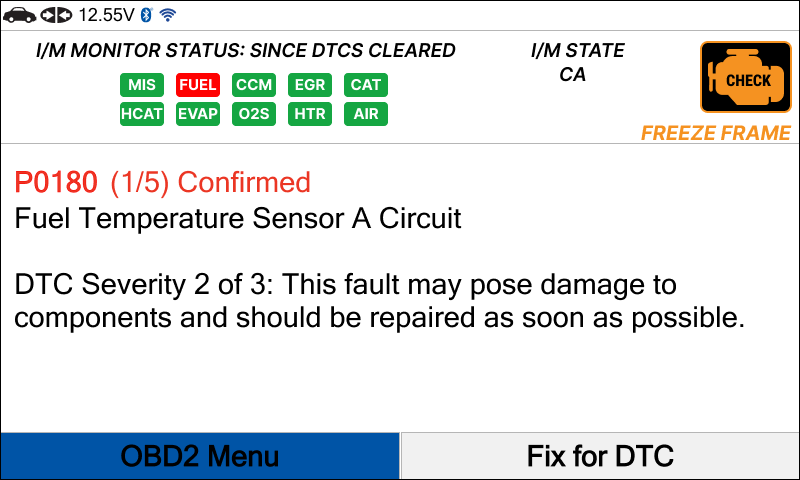
Step 2: After the AUTO-LINK process is complete, the Read DTCs screen will appear. Select the OBD II Menu by the navigation button and press the OK button.
Step 3: Select the OBD Monitor Test – Mode 06 by the navigation button and press the OK button.
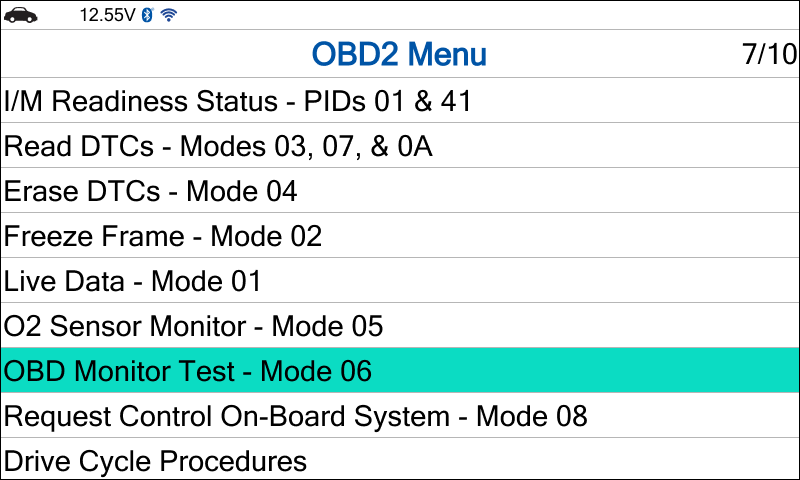
Step 4: Select the item that you want to test and press the OK button.
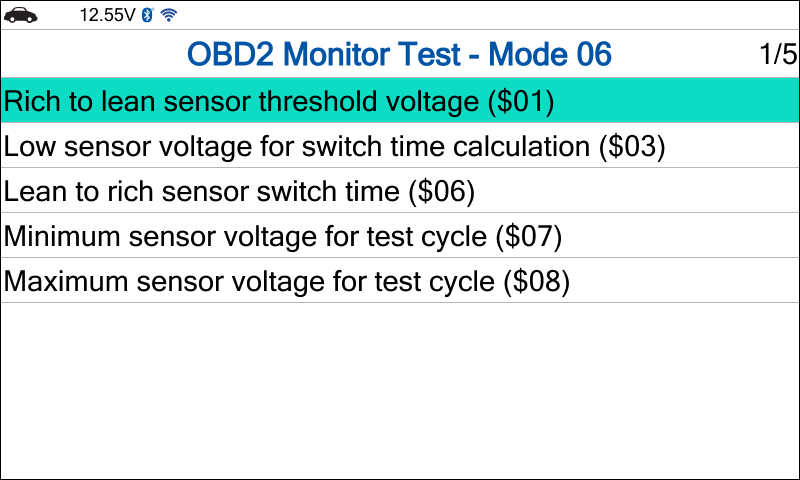
Step 5: The Innova SDS43 will show the OBD Monitor Test – Mode 06 results.
C. Request Control On-Board System – Mode 08
NOTE: This procedure is carried out on a 2019 Hyundai Accent (HC) G 1.6 GDI.
The Request Control On-Board System – Mode 08 is a bidirectional test mode that enables external test equipment, such as a Code Reader or Scan Tool, to initiate tests on an On-Board System, component, or specific function. This mode allows the external device to command the vehicle’s On-Board computer to execute tests and retrieve the results.
Step 1: Connect the Innova SDS43 to the vehicle via the 16-pin Data Link Connector (DLC). Wait a moment for the AUTO-LINK process to complete.
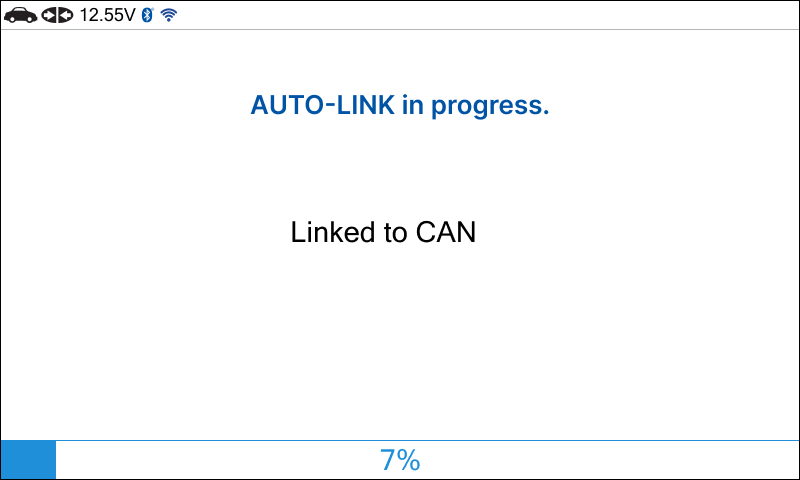
Step 2: After the AUTO-LINK process is complete, the Read DTCs screen will appear. Select the OBD II Menu by the navigation button and press the OK button.
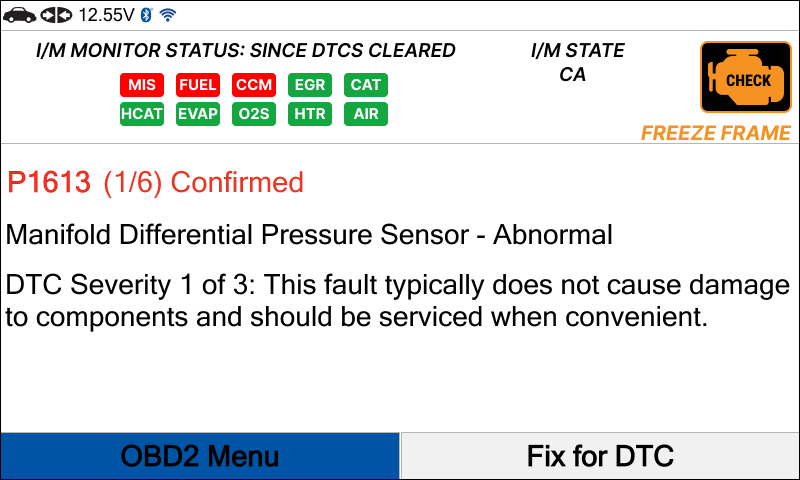
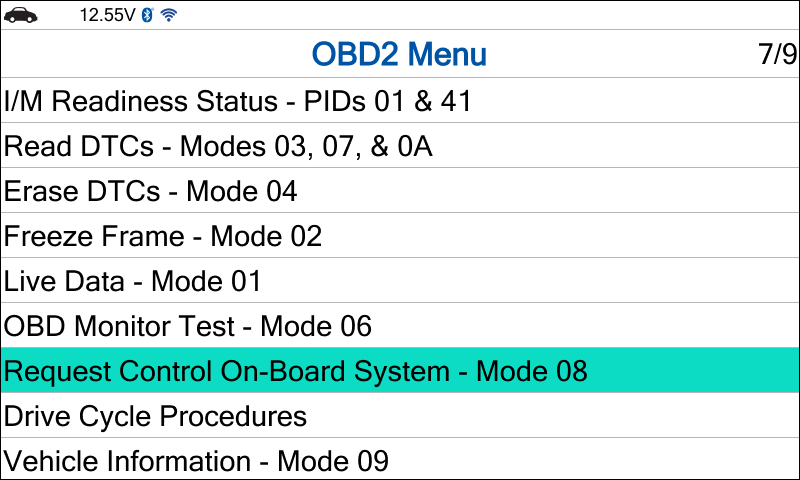
Step 3: Select the Request Control On-Board System – Mode 08 by the navigation button and press the OK button.
Step 4: Select the function that you want to test and press the OK button.
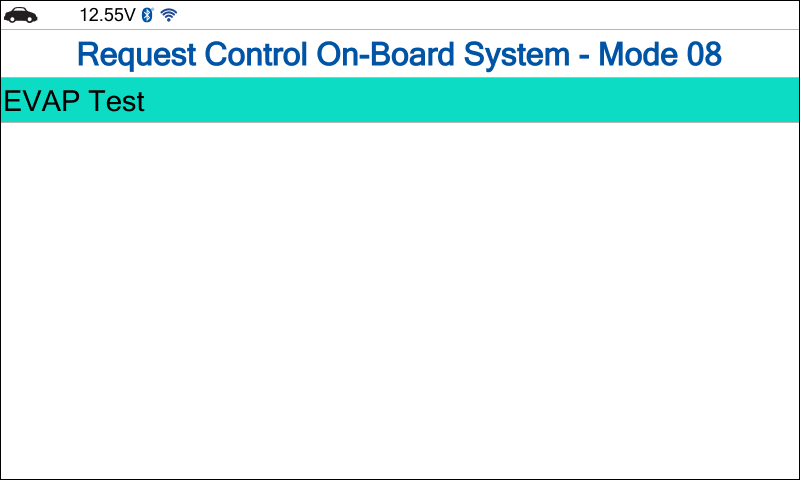
Step 5: The Innova SDS43 will show the Request Control On-Board System – Mode 08 results.