Introduction
Description: The Scan All System function communicates with the vehicle’s control modules to retrieve Diagnostic Trouble Codes (DTCs), identifying mechanical and electrical issues. It is essential when the Malfunction Indicator Light (MIL) is illuminated.
Benefits: Scan All System improves troubleshooting by quickly detecting faulty modules, reducing repair time, and ensuring accurate diagnostics.
Instructions
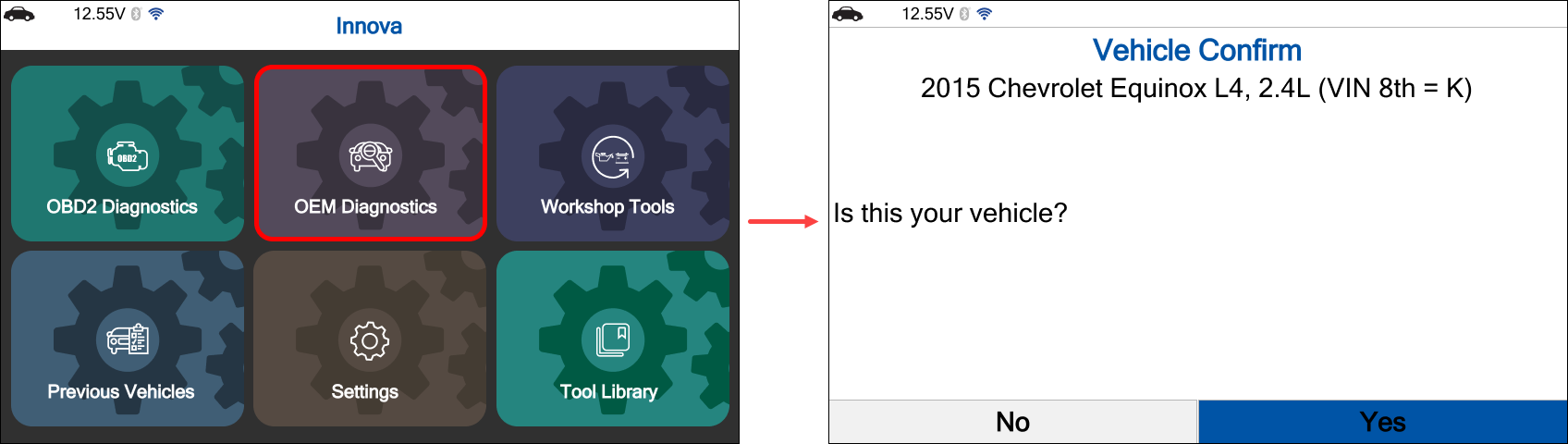
NOTE: This procedure is carried out on a 2015 Chevrolet Equinox L4, 2.4L (VIN 8th = K).
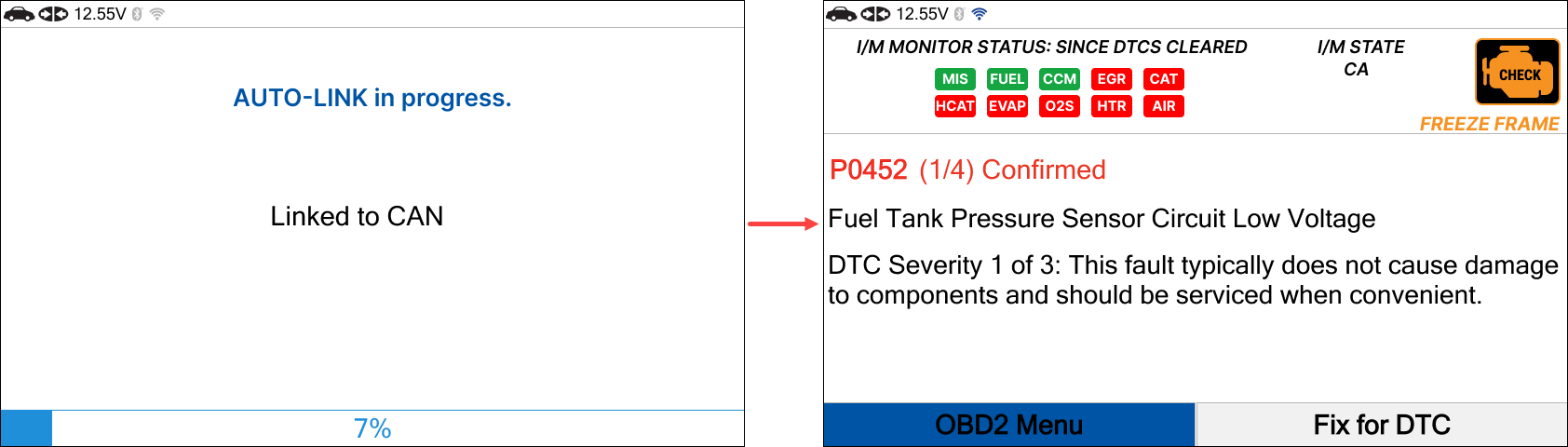
Step 1: Connect the Innova SDS43 to the vehicle via the 16-pin Data Link Connector (DLC). Allow the AUTO-LINK process to complete. Once finished, the Read DTCs screen will appear. Press the Home button.
Step 2: Use the navigation button to select the OEM Diagnostics tab, then press the OK button. The Vehicle Confirmation screen will appear.
If the displayed information is correct, select Yes.
If the information is incorrect, select No and manually enter the vehicle details.
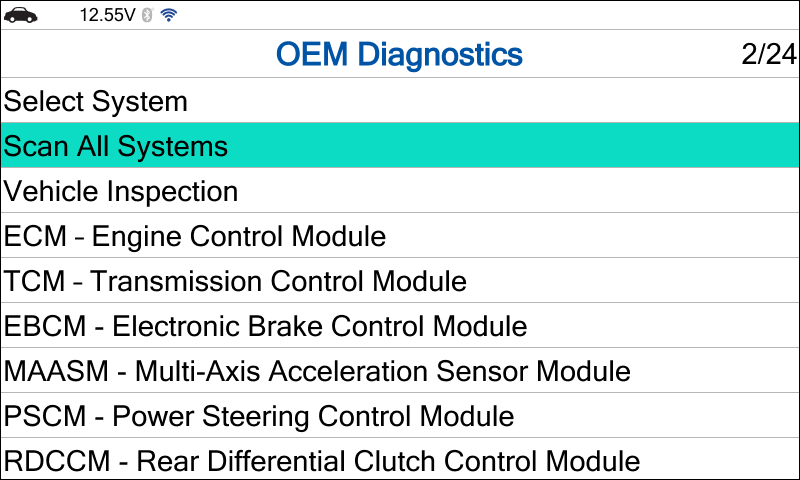
Step 3: Use the navigation button to select Scan All Systems, then press the OK button.
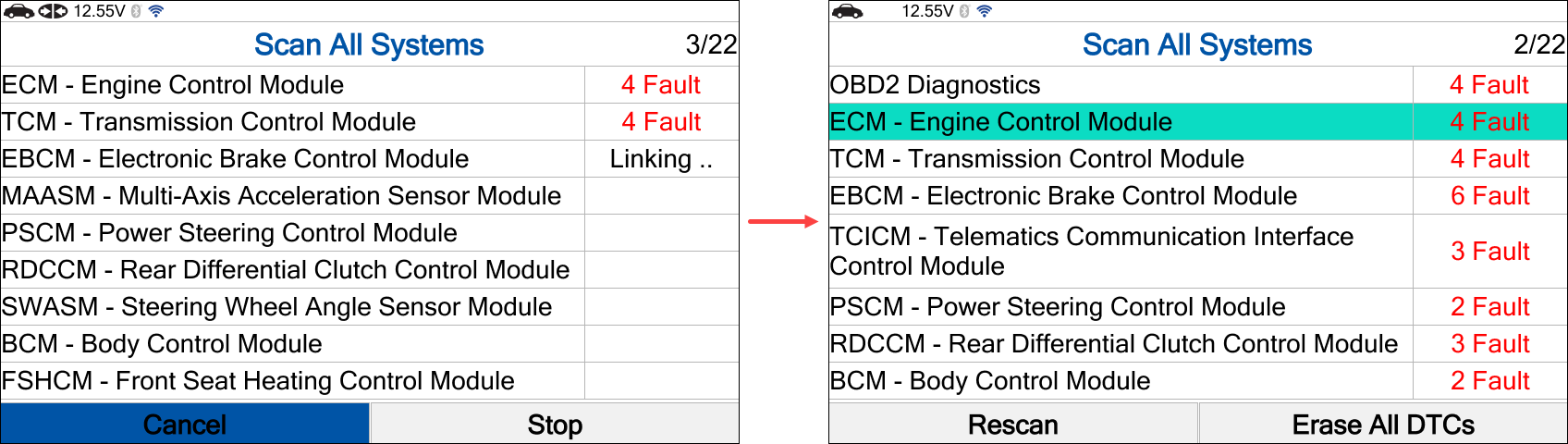
Step 4: Wait for the Innova SDS43 to retrieve data from the vehicle. Once the scan is complete, the results for all systems will be displayed. Select the desired system to view details, then press the OK button.
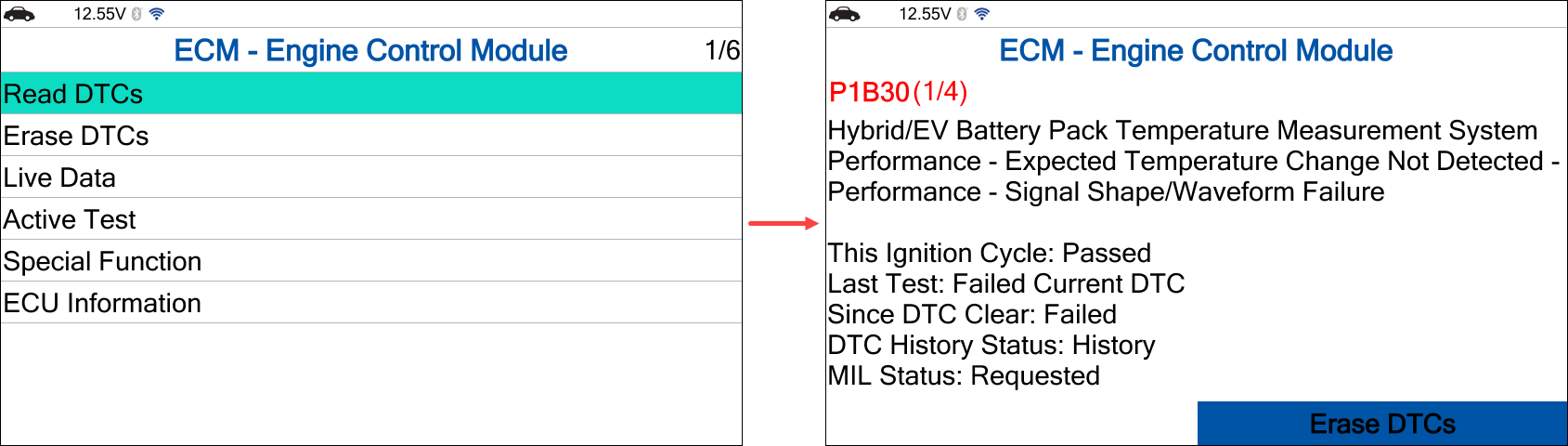
Step 5: Use the navigation buttons to select Read DTCs, then press the OK button to view the Diagnostic Trouble Codes (DTCs).
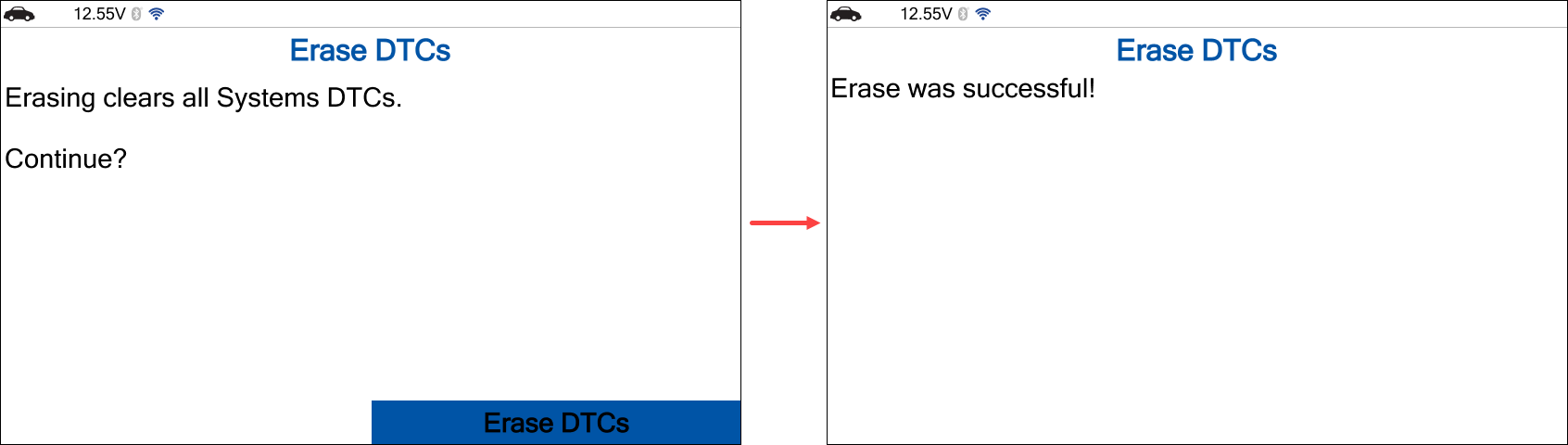
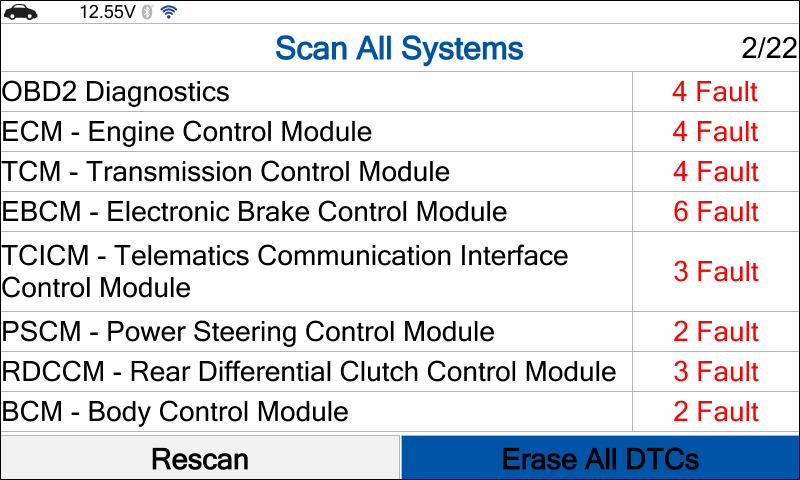
Step 6: On the results screen, use the navigation button to select Erase All DTCs, then press the OK button to clear all DTCs.
Step 7: When the confirmation screen appears, press the OK button to complete the process.