Introduction
To ensure customers can use the Battery Tester Module as effectively as possible, keeping the software up to date is essential. Regular updates provide improved performance, expanded functionality, and compatibility with the latest vehicle systems. The RSPRO application is designed to support firmware upgrades for the Battery Tester Module using Over-the-Air (OTA) technology, enabling a streamlined and efficient update process without requiring direct physical connections.
Instructions
Step 1: Connect the Battery Tester Module with the RSPRO Application by tapping Connect button.
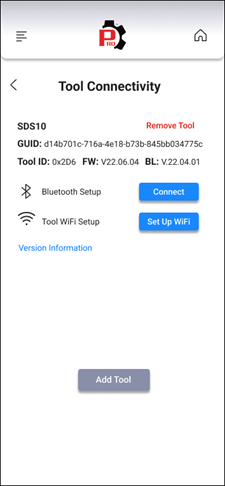
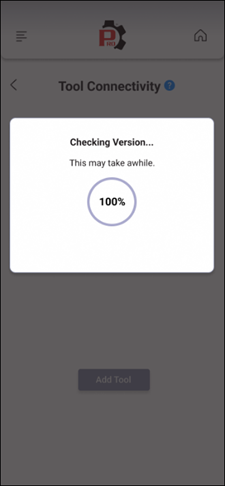
Step 2: The RSPRO Application starts comparing the Battery Tester Module’s firmware version and the latest one; and shows a updating confirmation.
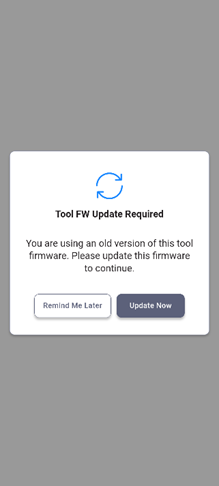
Step 3: Tap the Update Now button to start upgrading the latest firmware.
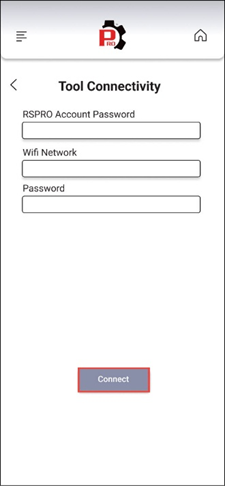
Step 4: Fill the RSPRO Account Password, Wi-Fi Network and Password. After that tap the Connect button to continue.
Step 5: Follow the instructions and tap the Continue button to start the upgrading process.
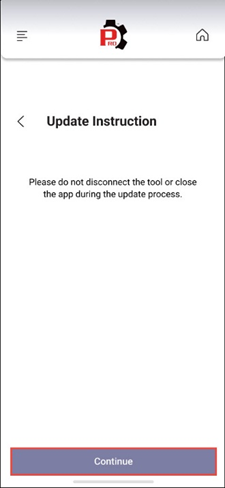
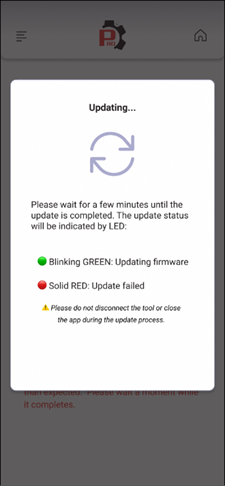
Step 6: Wait for few minutes to complete the upgrading process.