Introduction
Description: The Innova 7111 Smart Diagnostic System (SDS) tablet scan tool lets you view your Vehicle Information.
Benefits: The Vehicle Information feature provides a variety of information about your vehicle, such as its Vehicle Identification Number (VIN), Make, Model, Engine, Control Module Identification Number, and other relevant details. This information can be helpful for vehicle owners, as well as Technicians or garages, to diagnose problems, make informed decisions about repairs, and keep vehicles running smoothly.
Instructions
Note: This procedure is carried out on the 2015 Chevrolet Equinox.
Step 1: Connect the Innova 7111 to the vehicle via the 16-pin Data Link Connector (DLC). Wait a moment for the AUTO-LINK process to be completed.
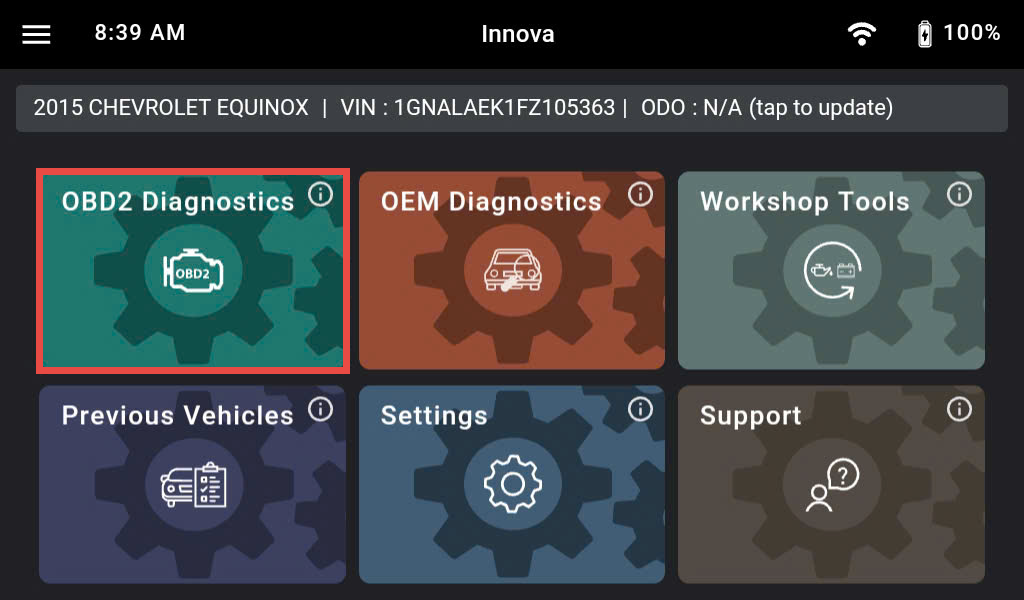
Once completed, the Innova 7111 displays general information such as VIN, vehicle information, and odometer. Next, select the OBD II Diagnostics section.
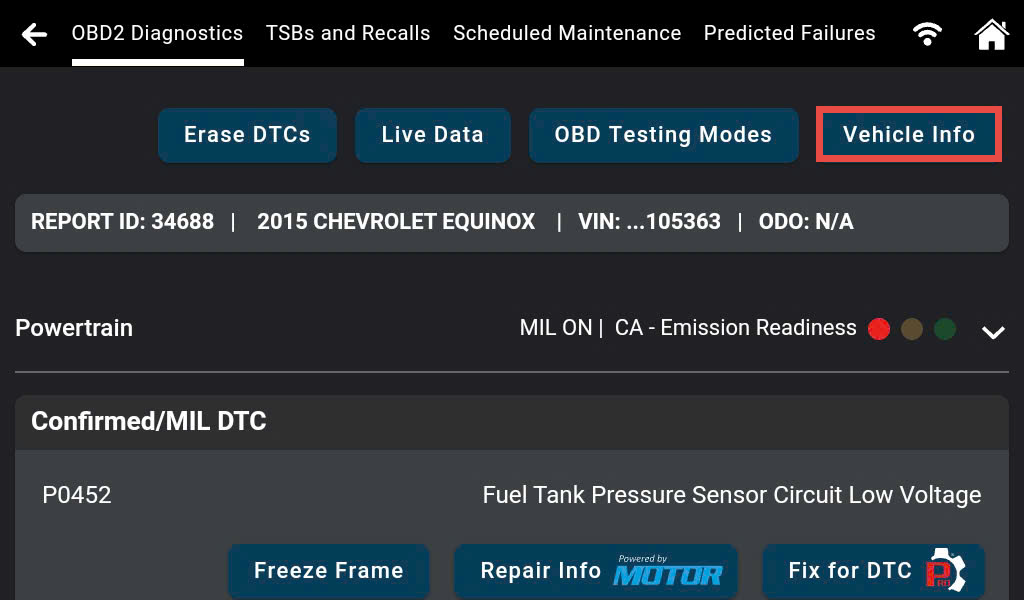
Step 2: After the Innova 7111 retrieves the data from the vehicle, select the Vehicle Info button. Vehicle Information has 4 types of information, including Additional Vehicle Information, Vehicle ID, Available Module, and In-Use Performance Tracking.
1. Additional Vehicle Information
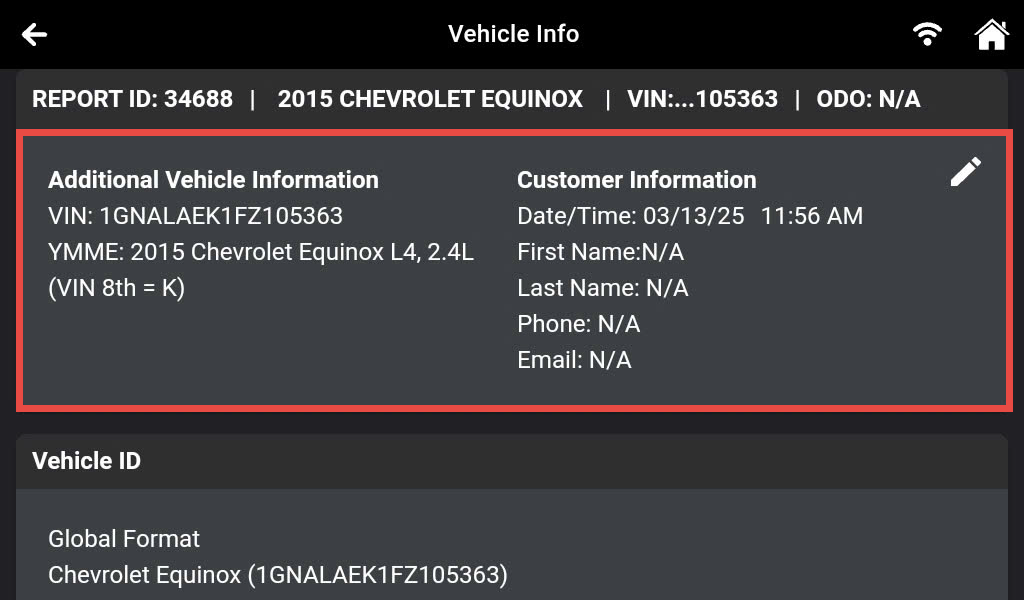
Additional Vehicle Information displays the VIN, Make, Model, and Engine of your vehicle.
VIN is valuable information for technicians, helping them to order the correct parts, access warranty information, check for recalls, and access a vehicle's history. By using the VIN, technicians can make informed decisions about repairs and maintenance, ensuring that the vehicle is safe and reliable for the customer.
2. Vehicle ID
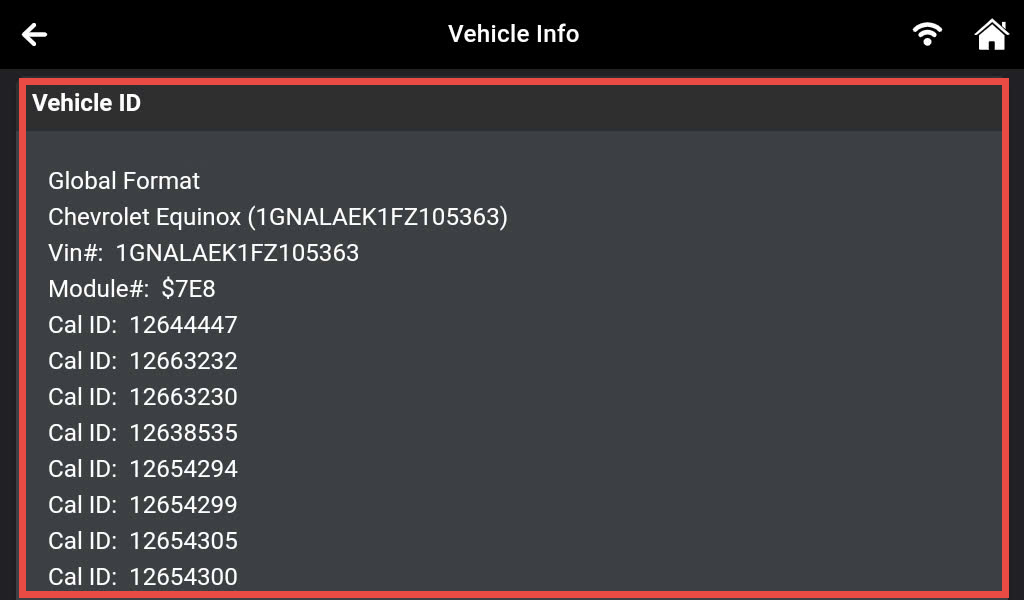
The Vehicle ID section displays the Vehicle Calibration Identification Number (Cal ID) and Calibration Verification Number (CVN). The CVNs are used to determine if emissions-related calibrations for the vehicle under testing have been changed. One or more CVNs may be returned by the vehicle's computer.
The Cal ID and CVN are important codes used to identify and verify the calibration of a vehicle's Engine Control Module (ECM). By using these codes, auto repairers can verify that the correct calibration is loaded into the ECM, reprogram the ECM if necessary, and make informed decisions about warranty claims for engine-related issues.
3. Available Modules
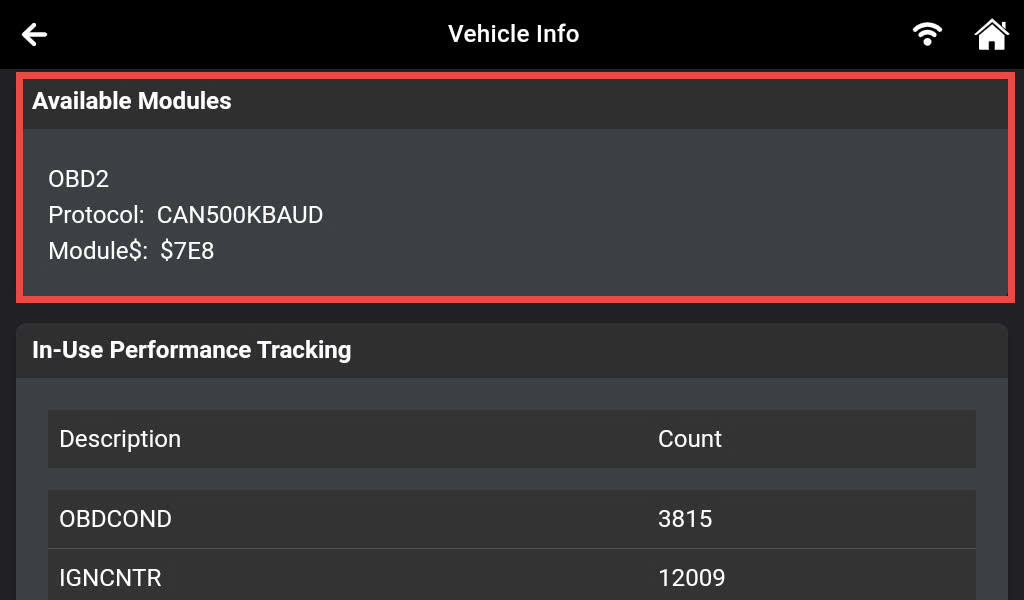
The Innova 7111 SDS Tablet shows details of the protocol and Electric Control Unit (ECU) address that established communication with the scan tool.
It helps to streamline the repair process, save time and money, and improve the quality of repairs, which can be very beneficial for technicians.
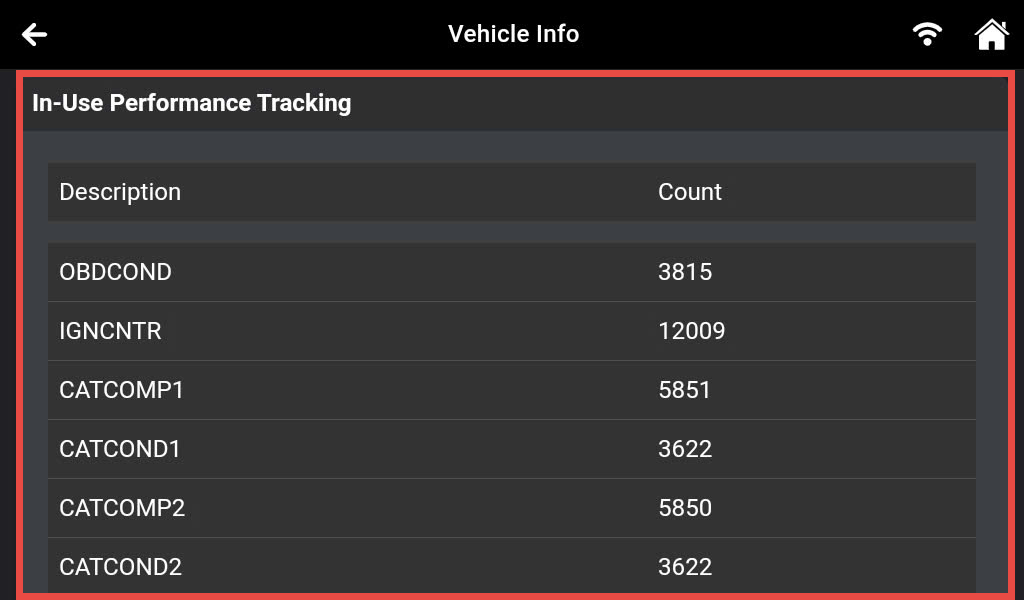
4. In-Use Performance Tracking
The Innova 7111 can retrieve In-Use Performance Tracking (IPT) statistics for monitors supported by the vehicle under test. Two values are returned for each monitor; the number of times that all conditions necessary for a specific monitor to detect a malfunction have been encountered (XXXCOND) and the number of times that the vehicle has been operated under the specific conditions for the monitor (XXXCOMP).
Statistics are also provided for the number of times the vehicle has been operated in OBD Monitoring Conditions (OBDCOND) and the number of times the vehicle’s engine has been started (IGNCNTR).
- In-use performance Tracking for Spark Ignition Engines includes Catalyst banks, Oxygen Sensor banks, Evaporative Leak Detection Systems, Exhaust Gas Recirculation (EGR) systems, and Secondary Air Systems.
- In-use performance Tracking for Compression Ignition Engines includes NMHC (Non-Methane Hydrocarbon) Catalysts, NOx Catalyst, NOx Adsorber, Exhaust Gas Sensor, EGR, Boost Pressure, and Fuel System.