Introduction
Description: This article demonstrates how to read and erase OEM Trouble Codes on the Innova 7111 Smart Diagnostic System (SDS) tablet scan tool.
Benefits: OEM Trouble Codes are unique to each vehicle manufacturer and are created by the automaker to diagnose issues within the vehicle's systems. These codes serve the purpose of diagnosing and fixing specific problems in the vehicle and are often exclusive to a particular manufacturer. If a code is stored, the Malfunction Indicator Light (MIL) on the dashboard lights up to indicate that a problem requires attention. A technician can identify the source of a system fault in the vehicle and carry out the required repairs by reading the codes.
Instructions
Note: This procedure is carried out on the 2015 Chevrolet Equinox L4, 2.4L (VIN 8th = K).
Step 1: Connect the Innova 7111 to the vehicle via the 16-pin Data Link Connector (DLC). Wait a moment for the AUTO-LINK process to be completed.
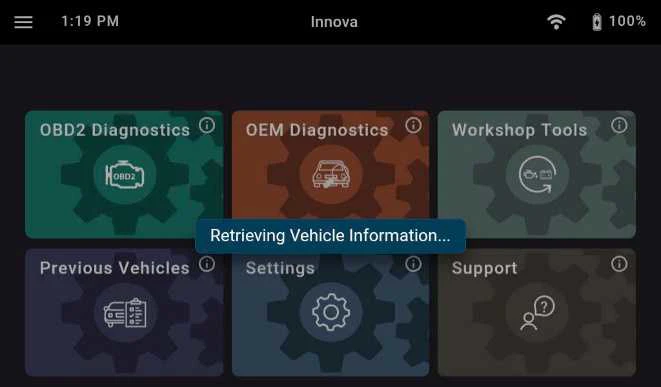
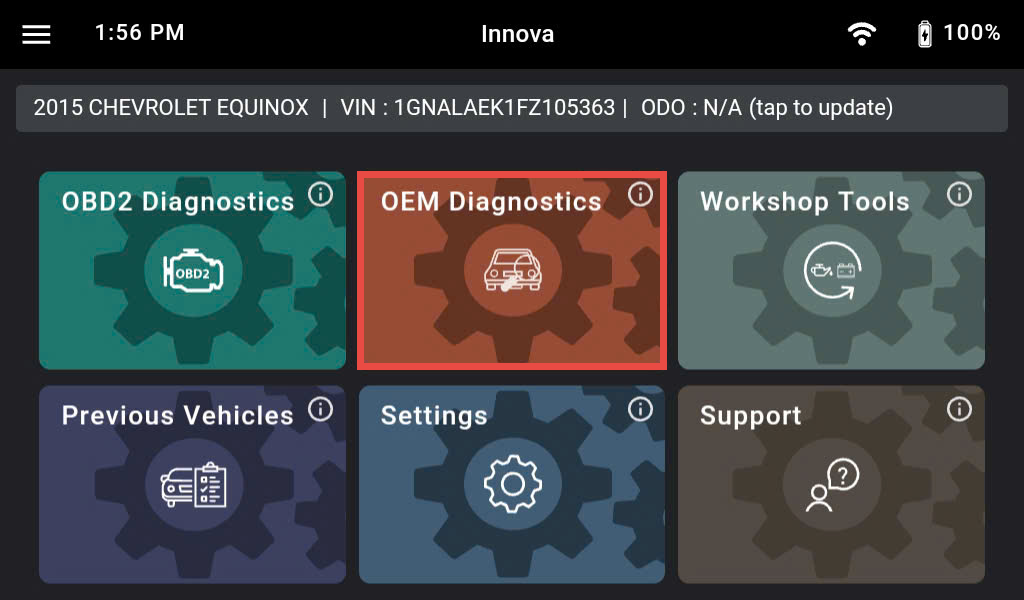
Once completed, the tablet displays general information such as VIN, vehicle information, and odometer. Next, select the OEM Diagnostics section.
Step 2: Based on the vehicle information, the Innova 7111 shows you the list of systems supported in this vehicle.
Note: The system name might be different from vehicle to vehicle.
There are two options for scanning the vehicle:
1. Scan all systems on the vehicle by selecting the Scan All Systems button.
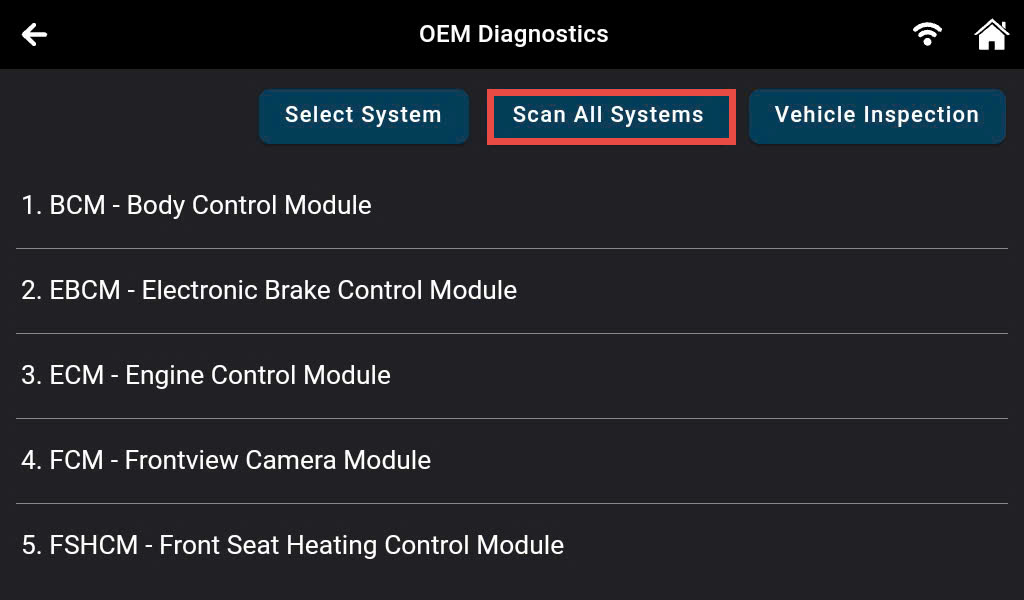
2. Scan only the desired system by scrolling and choosing the desired system. After that select the Read DTCs button on the shown pop-up.
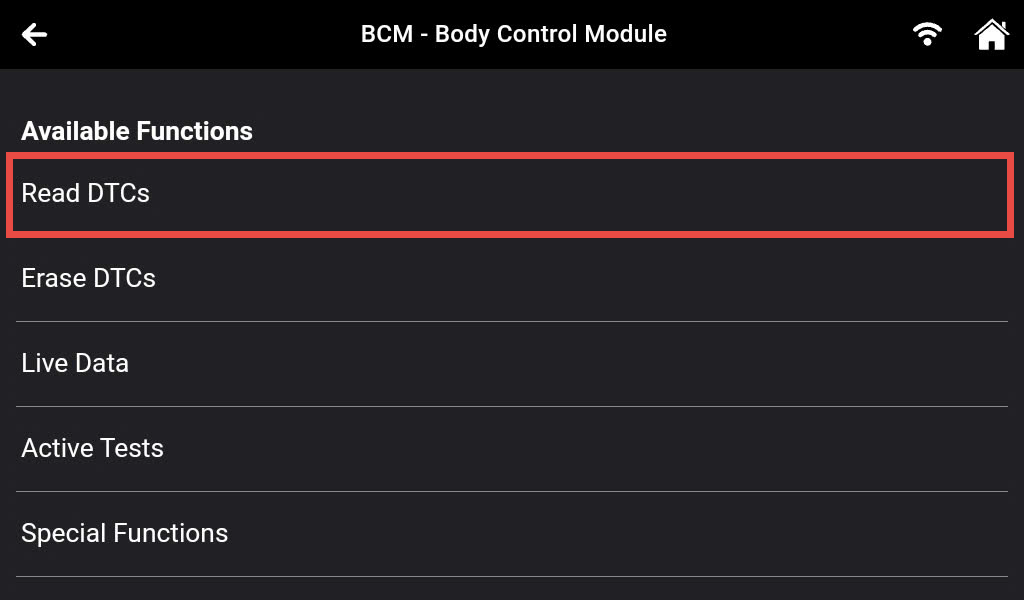
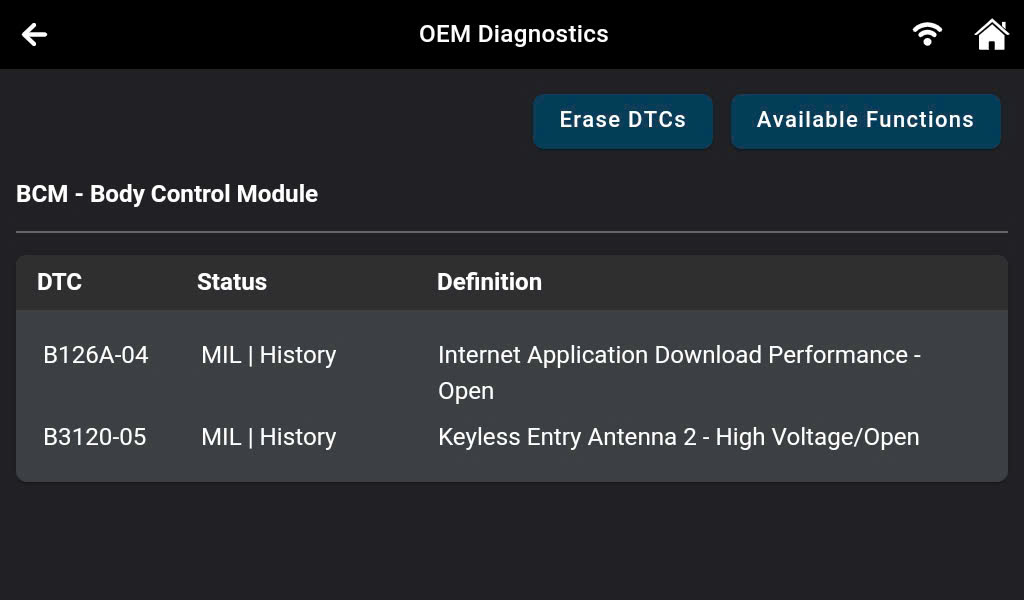
Step 3: After retrieving the data from the vehicle, the Innova 7111 displays the OEM diagnostic codes for the selected system, including the status and definition of the DTCs.
Note: The definition, status, and description of DTCs may vary among different manufacturers and models of vehicles.
The DTC status indicates the level of severity of the problem, providing technicians with insights into the issue, thereby improving their ability to diagnose and repair the vehicle more efficiently.
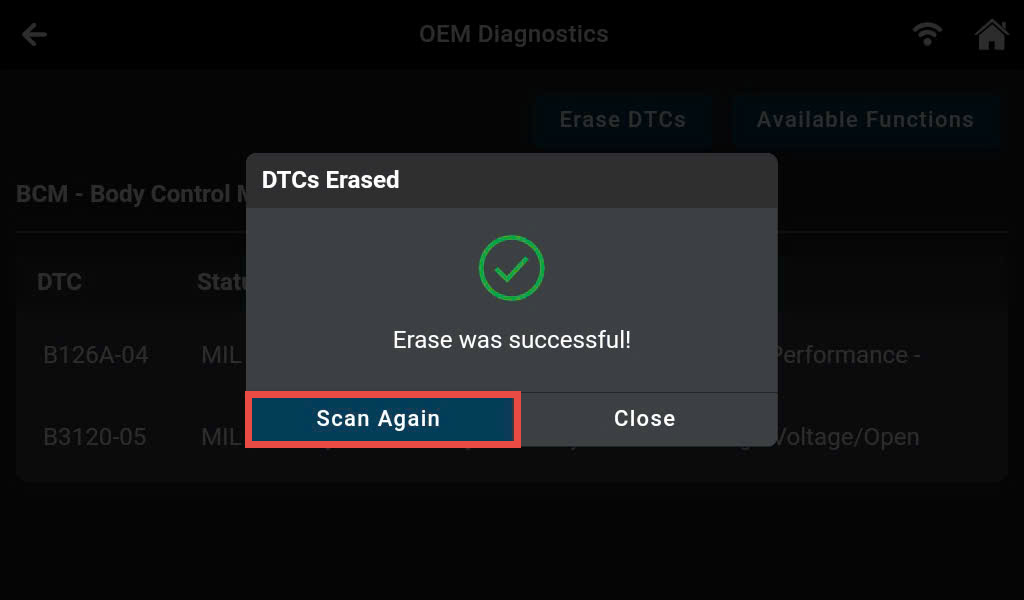
Step 4: Once you have resolved all the DTCs in the vehicle, it is time to use the Erase DTCs feature to erase the codes and turn OFF the Malfunction Indicator Light (MIL) or warning light located on the dashboard of the vehicle.
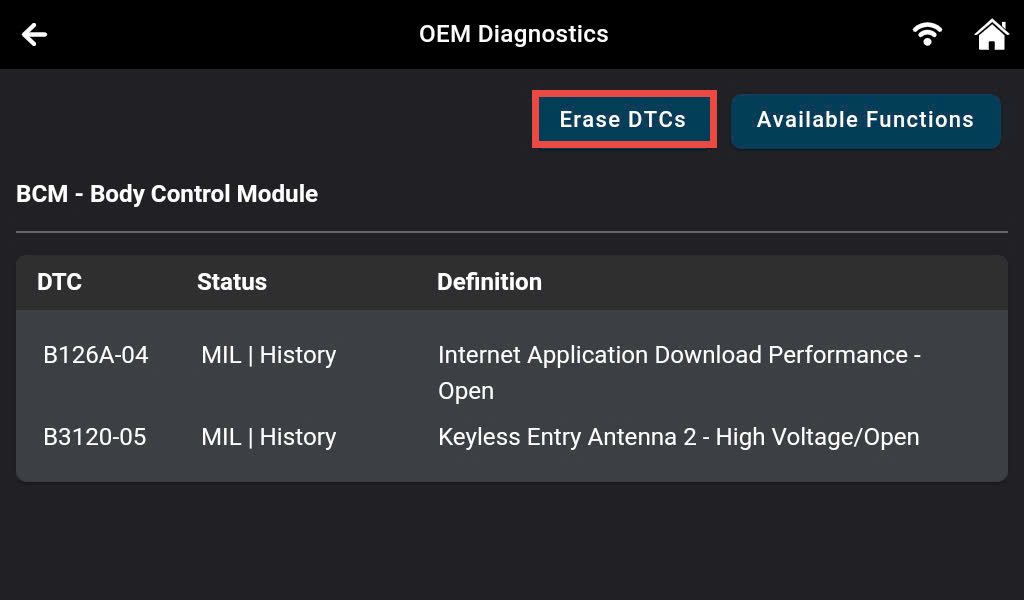
The process of clearing DTCs will be carried out by the Innova 7111 automatically. After completion, the scan tool will automatically conduct another scan of all systems to confirm that there are no remaining DTCs in the vehicle, guaranteeing that the problem has been completely resolved.