Introduction
Description: This article guides you through the process of using the Alternator Test function on the Innova 7111 Smart Diagnostic System (SDS) tablet scan tool.
Benefits: The alternator is an electrical generator in a vehicle that converts mechanical energy into electrical energy to power the vehicle's electrical system and recharge the battery. The alternator operates whenever the engine is running, producing AC voltage which is then converted to DC voltage for use in the vehicle. Proper alternator function is crucial to the vehicle’s performance.
Instructions
Note: This procedure is carried out on the 2023 Mitsubishi Eclipse Cross.
Step 1: Connect the Innova 7111 to the vehicle via the 16-pin Data Link Connector (DLC). Wait a moment for the AUTO-LINK process to be completed.
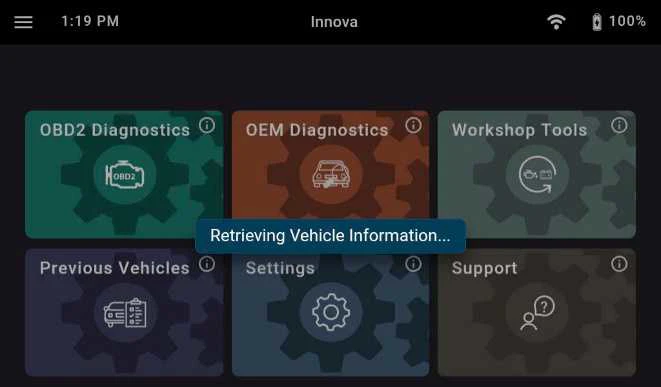
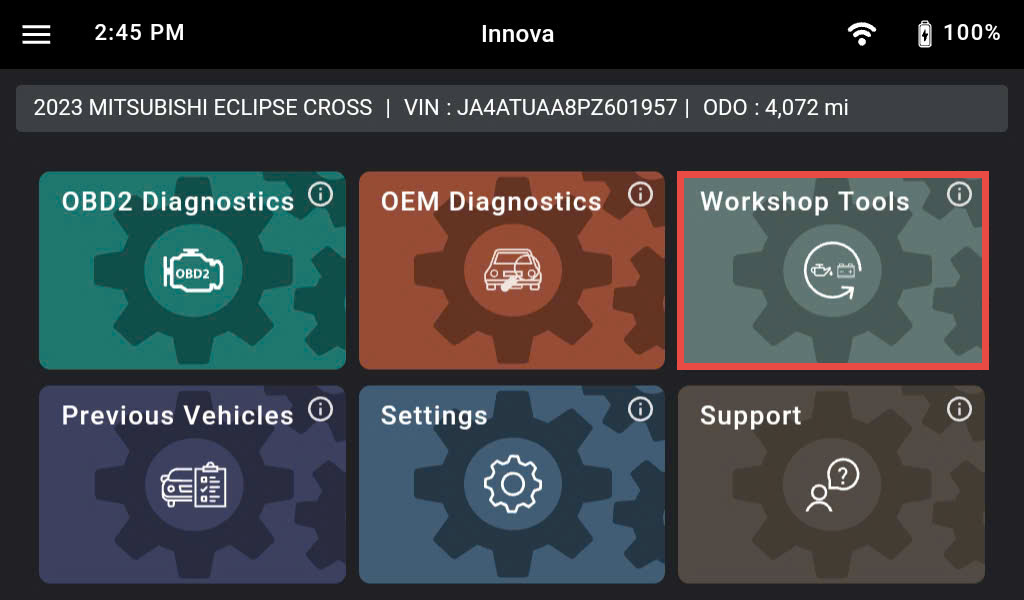
After retrieving the information, the Innova 7111 gets general information such as VIN, vehicle information, and odometer. Next, select the Workshop Tools section.
Step 2: There are 36 Workshop Tools features supported on the Innova 7111 shown and categorized. Scroll down to the Routines section and select the Battery/Alternator Test feature.
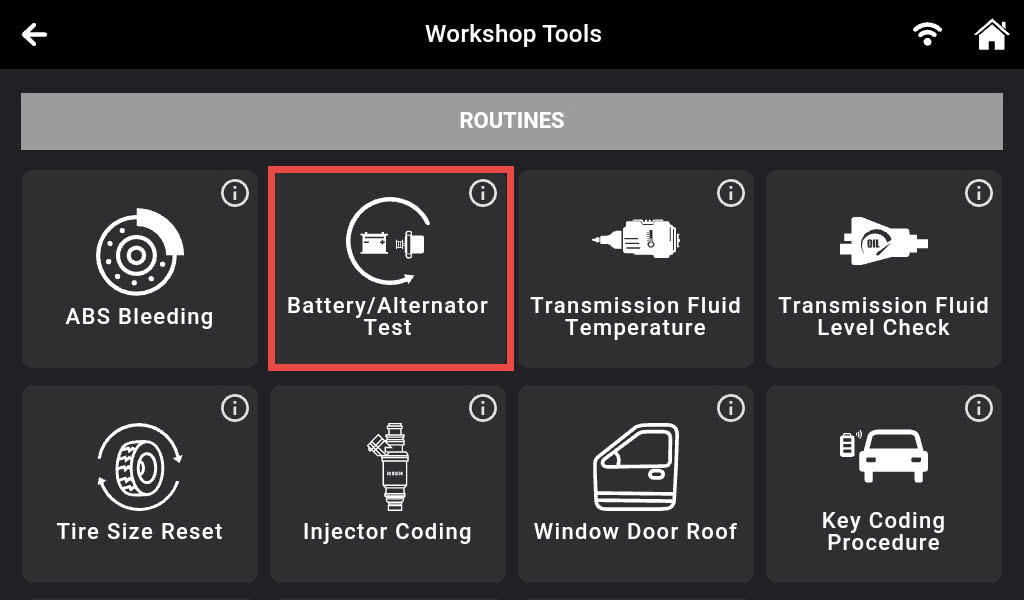
Step 3: Tap the Alternator Test.
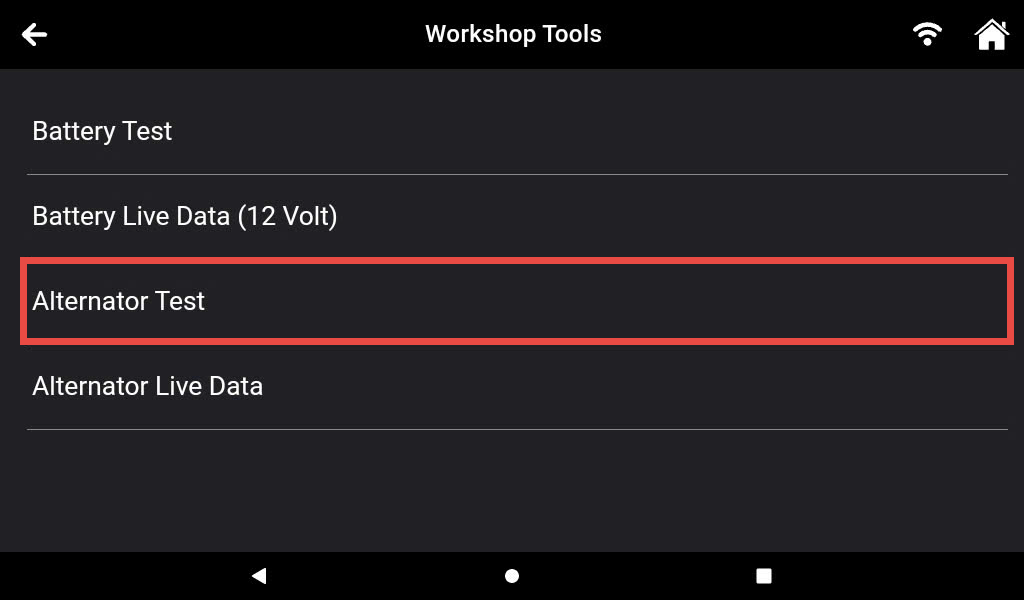
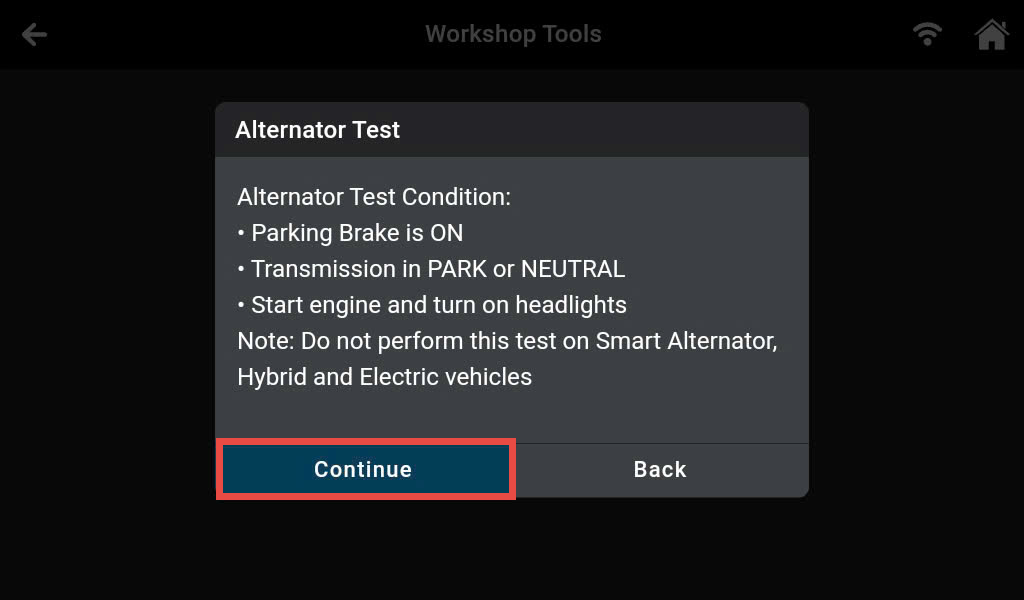
Step 4: Initially, start the engine and turn ON the headlights. Ensure that your vehicle meets the requirements. If requirements are not met, you will not be able to proceed. Then, press the Continue button to move to the next step.
Step 5: Turn OFF the headlights and let the engine run at idle speed.
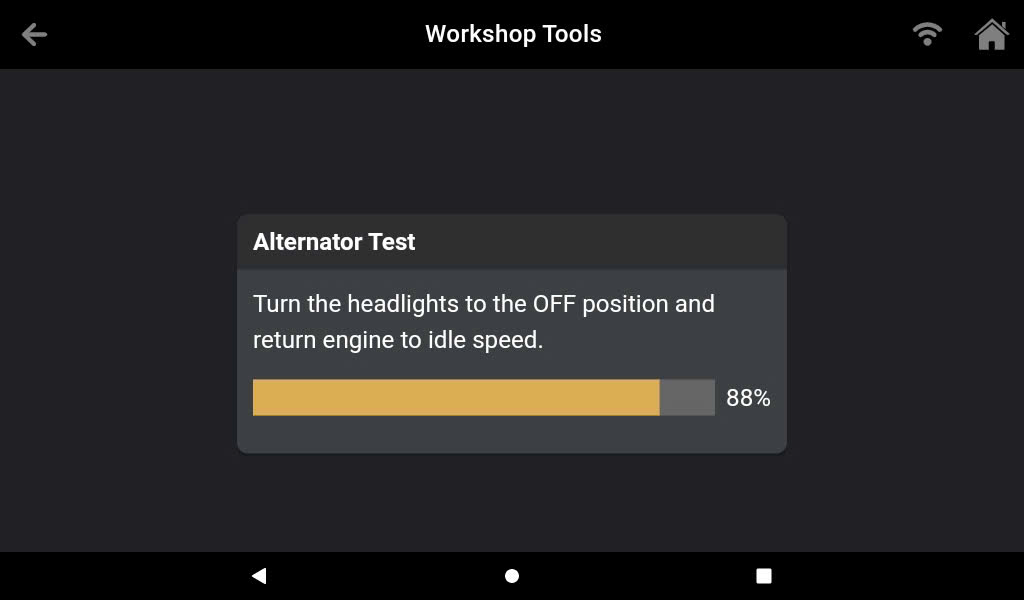
Step 6: After following the instructions, the Innova 7111 based on the algorithm to calculate the status of the alternator.
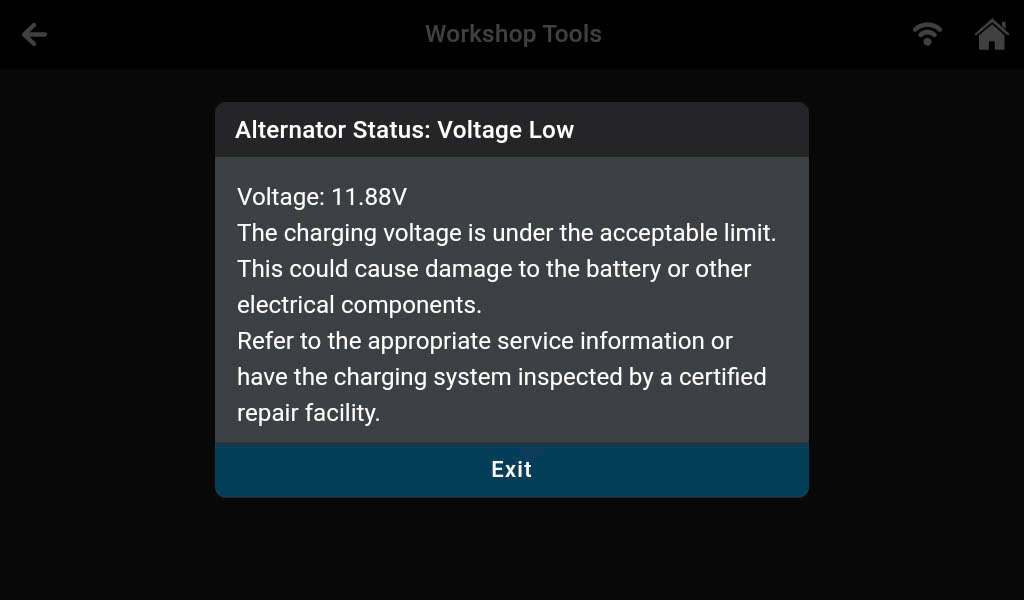
The Alternator Test function has test results that fall into three categories: Good, Voltage High, and Voltage Low.
- Voltage High: The charging voltage is above the acceptable limit. This could cause damage to the battery or other electrical components. Refer to the appropriate service information or have the charging system inspected by a certified repair facility.
- Good: The charging voltage is within specification.
- Voltage Low: The charging voltage is under the acceptable limit. This could cause damage to the battery or other electrical components. Refer to the appropriate service information or have the charging system inspected by a certified repair facility.